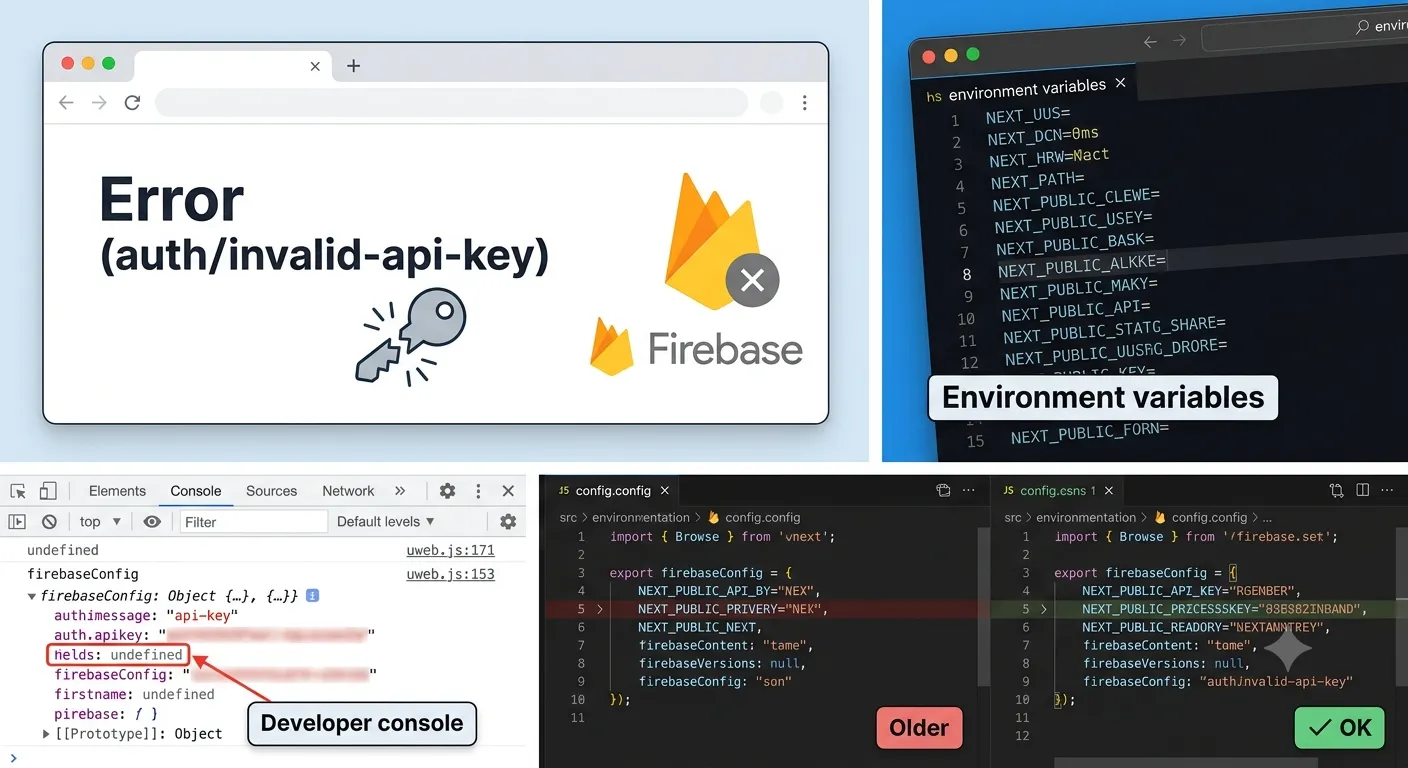
No time to debug this Firebase issue? Tell us what's broken and our developers will get it working, usually within 24 hours.
The Problem
If you're seeing Firebase: Error (auth/invalid-api-key) when your app tries to initialize Firebase Authentication, it means the apiKey value in your firebaseConfig object is missing, undefined, or doesn't match a real Firebase project. The fix almost always comes down to how your environment variables are named and loaded.
Why It Happens
The auth/invalid-api-key error is thrown by the Firebase SDK when it can't validate the apiKey field passed into initializeApp(). A handful of root causes account for nearly every case:
- The
apiKeywas copied from the wrong Firebase project, or was truncated when pasted. - Environment variables aren't loaded because they're missing the
NEXT_PUBLIC_prefix required by Next.js for client-side code. - The dev server wasn't restarted after adding or changing
.env.local, so old (empty) values are still cached. - The
firebaseConfigobject references a variable that resolves toundefinedat build time, so Firebase receives an empty string instead of a real key.
Because Firebase Authentication runs in the browser, any config value it needs must be exposed to client-side JavaScript. In Next.js, that only happens for variables prefixed with NEXT_PUBLIC_.
The Fix
1. Copy the correct config from the Firebase console
Go to Project settings in the Firebase console, scroll to Your apps, and copy the config snippet for your web app. Double-check you're in the correct project if you manage multiple environments.
const firebaseConfig = {
  apiKey: 'AIzaSyD-your-real-key-here',
  authDomain: 'your-project.firebaseapp.com',
  projectId: 'your-project',
  storageBucket: 'your-project.appspot.com',
  messagingSenderId: '1234567890',
  appId: '1:1234567890:web:abcdef123456',
};
2. Set environment variables with the NEXT_PUBLIC_ prefix
In Next.js, only variables starting with NEXT_PUBLIC_ are bundled into client-side code. Add them to .env.local:
NEXT_PUBLIC_FIREBASE_API_KEY=AIzaSyD-your-real-key-here
NEXT_PUBLIC_FIREBASE_AUTH_DOMAIN=your-project.firebaseapp.com
NEXT_PUBLIC_FIREBASE_PROJECT_ID=your-project
NEXT_PUBLIC_FIREBASE_STORAGE_BUCKET=your-project.appspot.com
NEXT_PUBLIC_FIREBASE_MESSAGING_SENDER_ID=1234567890
NEXT_PUBLIC_FIREBASE_APP_ID=1:1234567890:web:abcdef123456
Then reference them in your config file:
const firebaseConfig = {
  apiKey: process.env.NEXT_PUBLIC_FIREBASE_API_KEY,
  authDomain: process.env.NEXT_PUBLIC_FIREBASE_AUTH_DOMAIN,
  projectId: process.env.NEXT_PUBLIC_FIREBASE_PROJECT_ID,
  storageBucket: process.env.NEXT_PUBLIC_FIREBASE_STORAGE_BUCKET,
  messagingSenderId: process.env.NEXT_PUBLIC_FIREBASE_MESSAGING_SENDER_ID,
  appId: process.env.NEXT_PUBLIC_FIREBASE_APP_ID,
};
3. Restart the dev server
Next.js only reads .env.local on startup. After adding or editing environment variables, stop and restart:
npm run dev
Saving the file alone is not enough, the running process still holds the old (or missing) values in memory.
4. Verify the config object at runtime
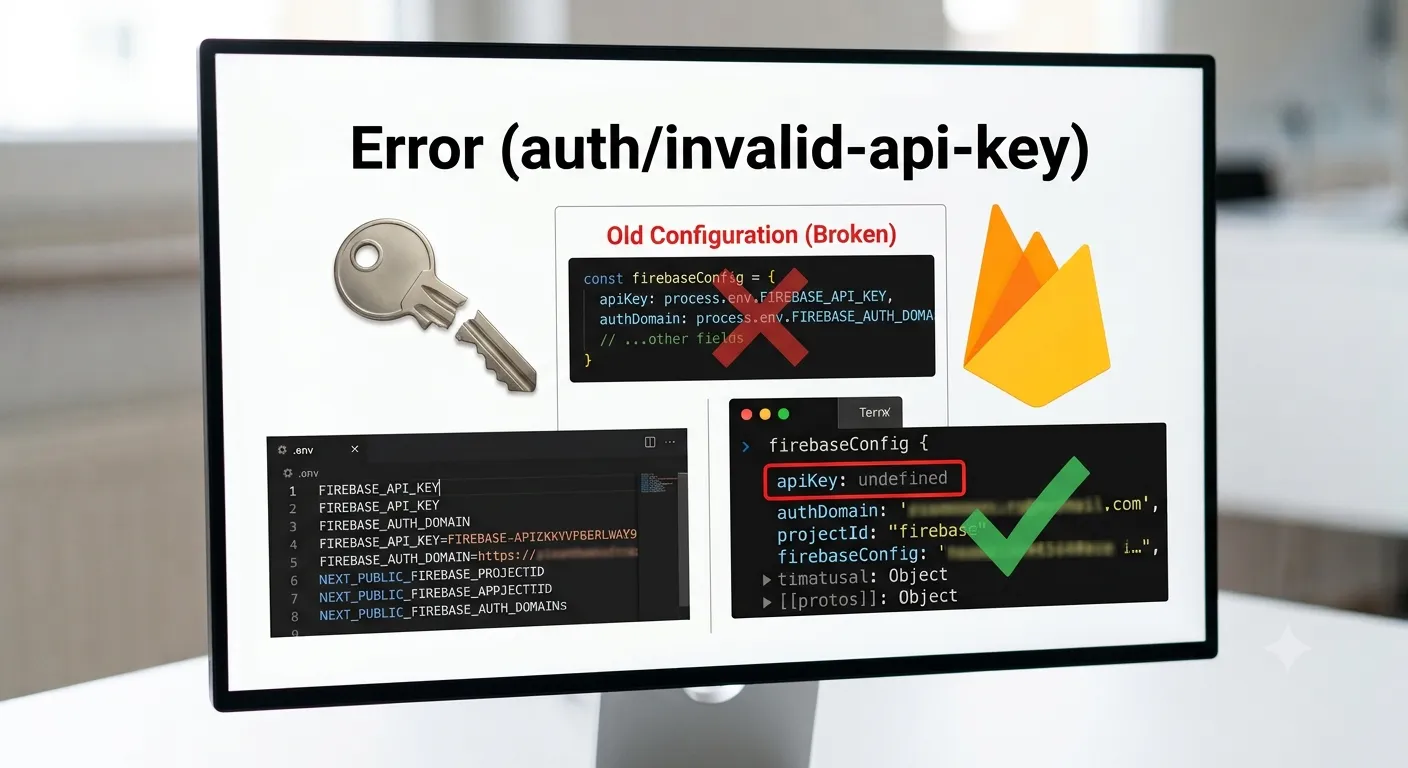
Add a temporary log right before initializeApp(firebaseConfig) to confirm every value is defined, not undefined:
console.log('Firebase config check:', firebaseConfig);
If any field prints as undefined, the corresponding environment variable is either misspelled or missing the NEXT_PUBLIC_ prefix.
How to Prevent It
- Store separate
.env.localfiles (or Vercel environment variable groups) for each Firebase project you use. - Always prefix client-exposed Firebase variables with
NEXT_PUBLIC_. - Add a startup check that throws a clear error if any Firebase config value is
undefined. - Never commit real API keys, use
.env.examplewith placeholder values for onboarding.
Frequently Asked Questions
What causes the Firebase auth/invalid-api-key error?It's almost always a missing, mistyped, or undefined apiKey value in your firebaseConfig object, usually because the environment variable feeding it wasn't loaded.
If environment variables are set locally but not in your hosting provider's dashboard, the build won't have access to them, so apiKey resolves to undefined in production even though it works locally.
Yes. Firebase Authentication runs in the browser, so any config value it needs must be exposed to client-side code, and Next.js only does that for variables prefixed with NEXT_PUBLIC_.
Temporarily log the firebaseConfig object right before calling initializeApp() and confirm none of the fields print as undefined or an empty string.
Need Help?
Debugging Firebase configuration issues across environments can eat up hours. Explore our development services or get in touch if you'd like a second pair of eyes on your setup.
Fixed it? Check the rest of your Firebase app for free. Our App Checker scans for exposed API keys, public Supabase service keys, SEO problems and slow loading in about 30 seconds.
Related Services
Bug Fix Service
Still stuck? We'll fix your Firebase error for you.
Skip the hours of trial and error. Send us the error and access to your project, and a senior developer will get it working, usually within 24 hours. We'll review it for free before any work starts.
- Your bug or error fixed by a senior developer
- Most fixes delivered within 24 hours
- Short write-up of the root cause and what changed
- Free assessment before any work starts