
No time to debug this Supabase issue? Tell us what's broken and our developers will get it working, usually within 24 hours.
The Problem
"JWT expired" means the access token your app sent with a request has passed its expiry time and Supabase rejected it. It's not a bug in your database or RLS policies - it's a session management issue, and it's almost always fixable by making sure tokens get refreshed correctly.
Why It Happens
Supabase access tokens are short-lived JWTs (by default valid for one hour) paired with a longer-lived refresh token. The client library is supposed to refresh the access token automatically before it expires, but that only works under the right conditions.
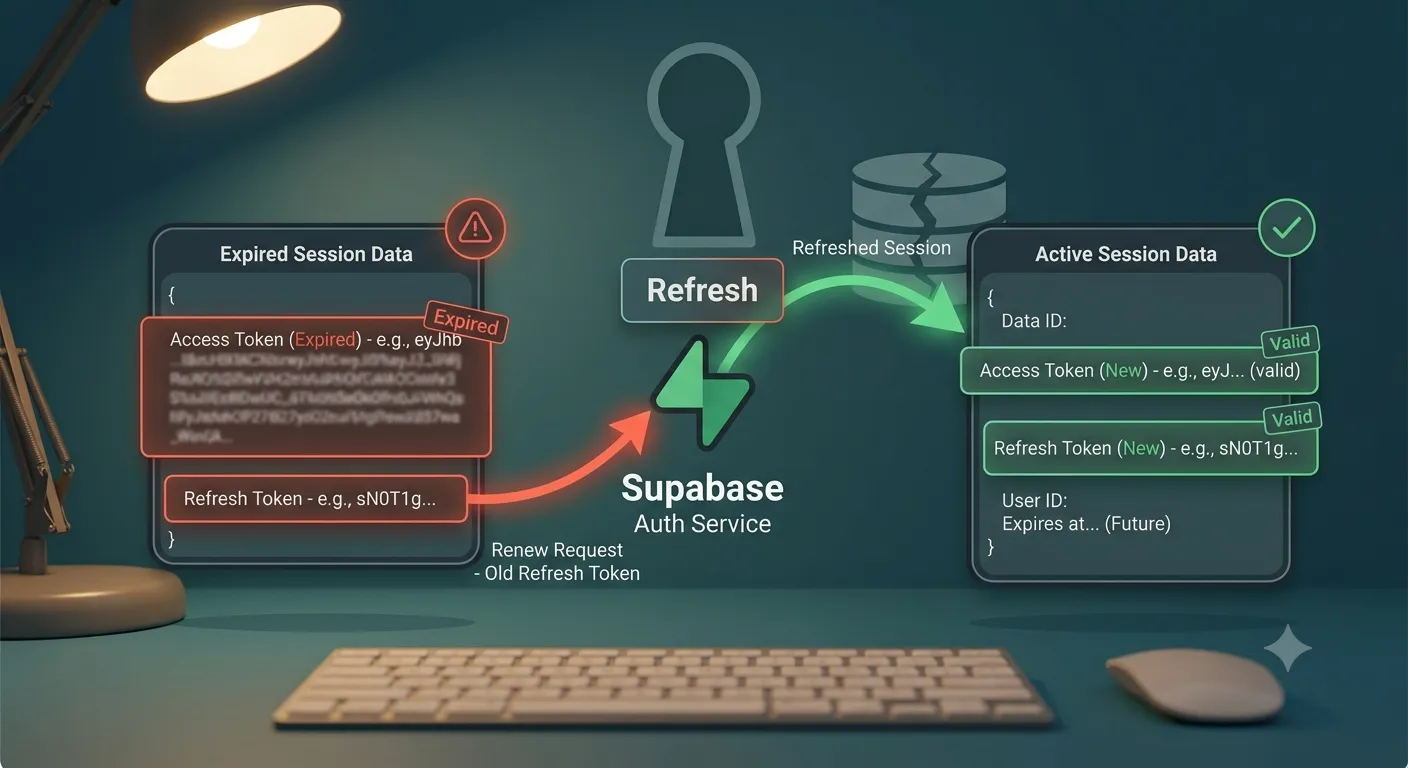
Common causes:
- Session not auto-refreshed - the Supabase client was created without
autoRefreshTokenenabled, or the tab was inactive long enough that the refresh timer never fired. - Using a stale token server-side - a token was captured once and reused in later server requests instead of being re-read from the current session.
- Clock skew - the server or client's system clock is off, so a still-valid token looks expired (or vice versa).
- Not using the SSR client for cookie-based sessions - in Next.js, using the browser-only
supabase-jsclient for server-rendered pages means cookies never get refreshed by the server.
The Fix
1. Let supabase-js handle auto refresh
By default, createClient from @supabase/supabase-js refreshes tokens automatically as long as the client stays alive. Make sure you haven't disabled it:
import { createClient } from '@supabase/supabase-js';
const supabase = createClient(supabaseUrl, supabaseAnonKey, {
  auth: {
    autoRefreshToken: true,
    persistSession: true,
  },
});
2. Use @supabase/ssr in Next.js
For server components, route handlers, and middleware, use @supabase/ssr so the session lives in cookies and gets refreshed on the server, not just in the browser:
import { createServerClient } from '@supabase/ssr';
import { cookies } from 'next/headers';
export function createClient() {
  const cookieStore = cookies();
  return createServerClient(
    process.env.NEXT_PUBLIC_SUPABASE_URL!,
    process.env.NEXT_PUBLIC_SUPABASE_ANON_KEY!,
    {
      cookies: {
        getAll() {
          return cookieStore.getAll();
        },
        setAll(cookiesToSet) {
          cookiesToSet.forEach(({ name, value, options }) =>
            cookieStore.set(name, value, options)
          );
        },
      },
    }
  );
}
Pair this with middleware that calls supabase.auth.getUser() on every request so expired cookies get refreshed before they reach your pages.
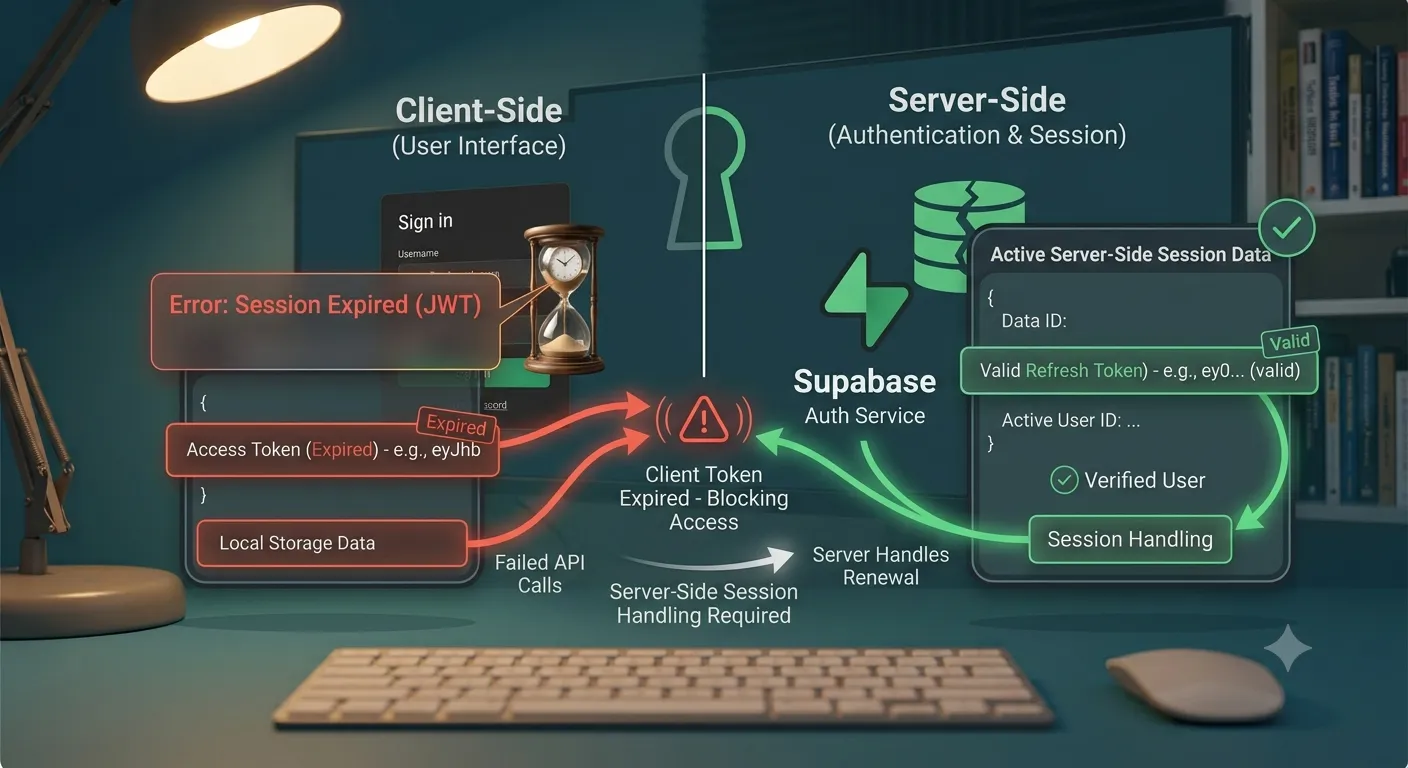
3. Call getSession or refreshSession explicitly
If you're managing a long-running server process (a cron job, a worker) rather than a request/response cycle, refresh the session manually before using it:
const { data, error } = await supabase.auth.refreshSession();
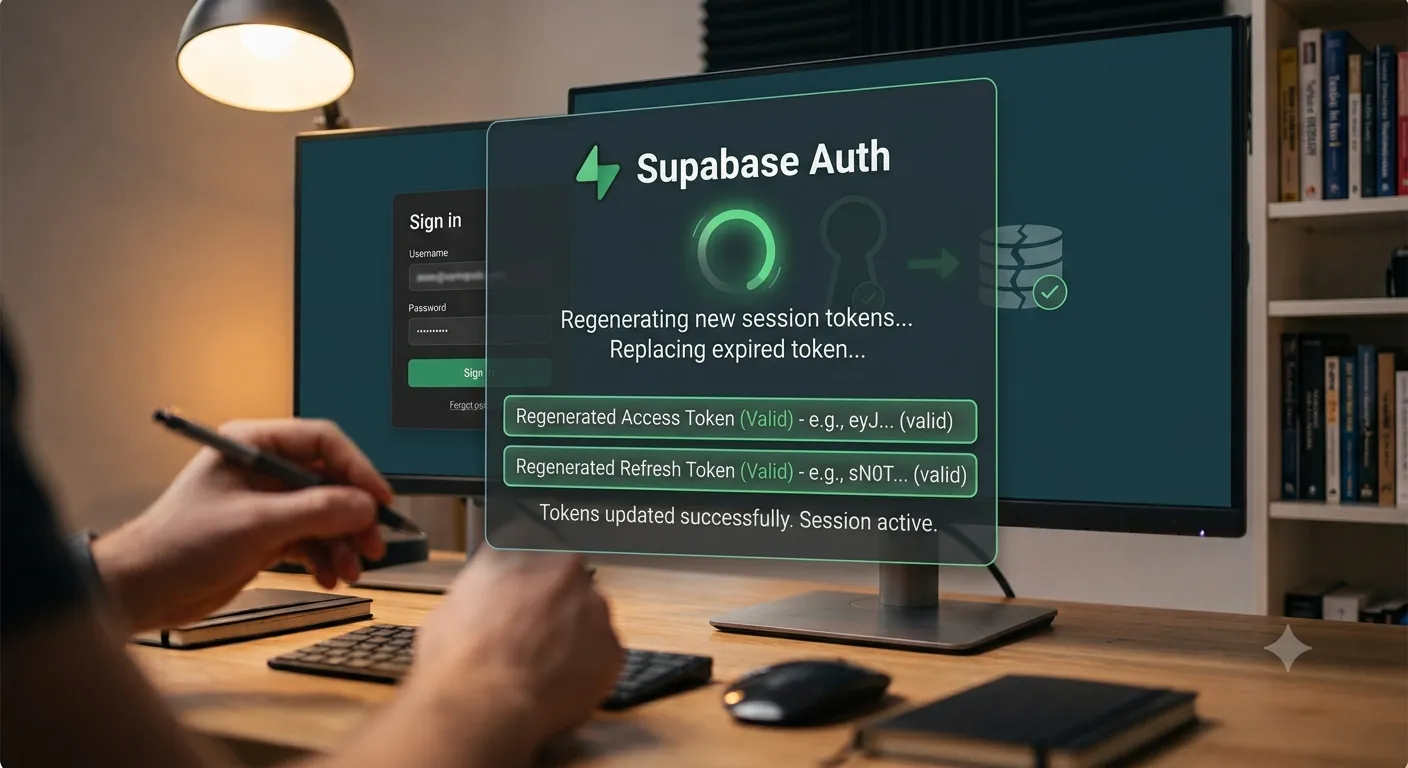
4. Handle a 401 by refreshing and retrying once
For any code path that calls the Supabase REST or Storage API directly (not through supabase-js), catch a 401 with a "JWT expired" message, refresh the session, and retry the request a single time before failing.
How to Prevent It
- Always create the Supabase client through
@supabase/ssrin server contexts, not the plain browser client. - Keep the Supabase auth middleware running on every route so tokens refresh proactively.
- Sync system clocks (NTP) on any custom server infrastructure to avoid false expirations.
- Avoid caching a token value outside of the Supabase client's own session storage.
Frequently Asked Questions
How long does a Supabase access token last by default?One hour by default, though this is configurable in Project Settings > Auth; the refresh token lasts much longer and is used to silently obtain new access tokens.
Why does the error appear after the browser tab was idle for a while?Inactive tabs can miss the refresh timer, so the token expires before the app requests a new one; calling getSession() on page focus forces a check and refresh if needed.
It fixes the immediate error, but if auto-refresh isn't configured correctly the same expiration will recur - fix the client setup rather than relying on re-logins.
Is 'JWT expired' the same as 'Invalid API key'?No - "Invalid API key" is about the project's apikey header being wrong, while "JWT expired" is about a valid but time-expired user session token.
Need Help With Supabase?
If session expiration keeps breaking your app's auth flow, we can help you set up a reliable Supabase Auth architecture in Next.js. Explore our development services or get in touch. For the full setup, see our guide on connecting Next.js and React with Supabase.
Fixed it? Check the rest of your Supabase app for free. Our App Checker scans for exposed API keys, public Supabase service keys, SEO problems and slow loading in about 30 seconds.
Related Services
Bug Fix Service
Still stuck? We'll fix your Supabase error for you.
Skip the hours of trial and error. Send us the error and access to your project, and a senior developer will get it working, usually within 24 hours. We'll review it for free before any work starts.
- Your bug or error fixed by a senior developer
- Most fixes delivered within 24 hours
- Short write-up of the root cause and what changed
- Free assessment before any work starts