
No time to debug this Supabase issue? Tell us what's broken and our developers will get it working, usually within 24 hours.
The Problem
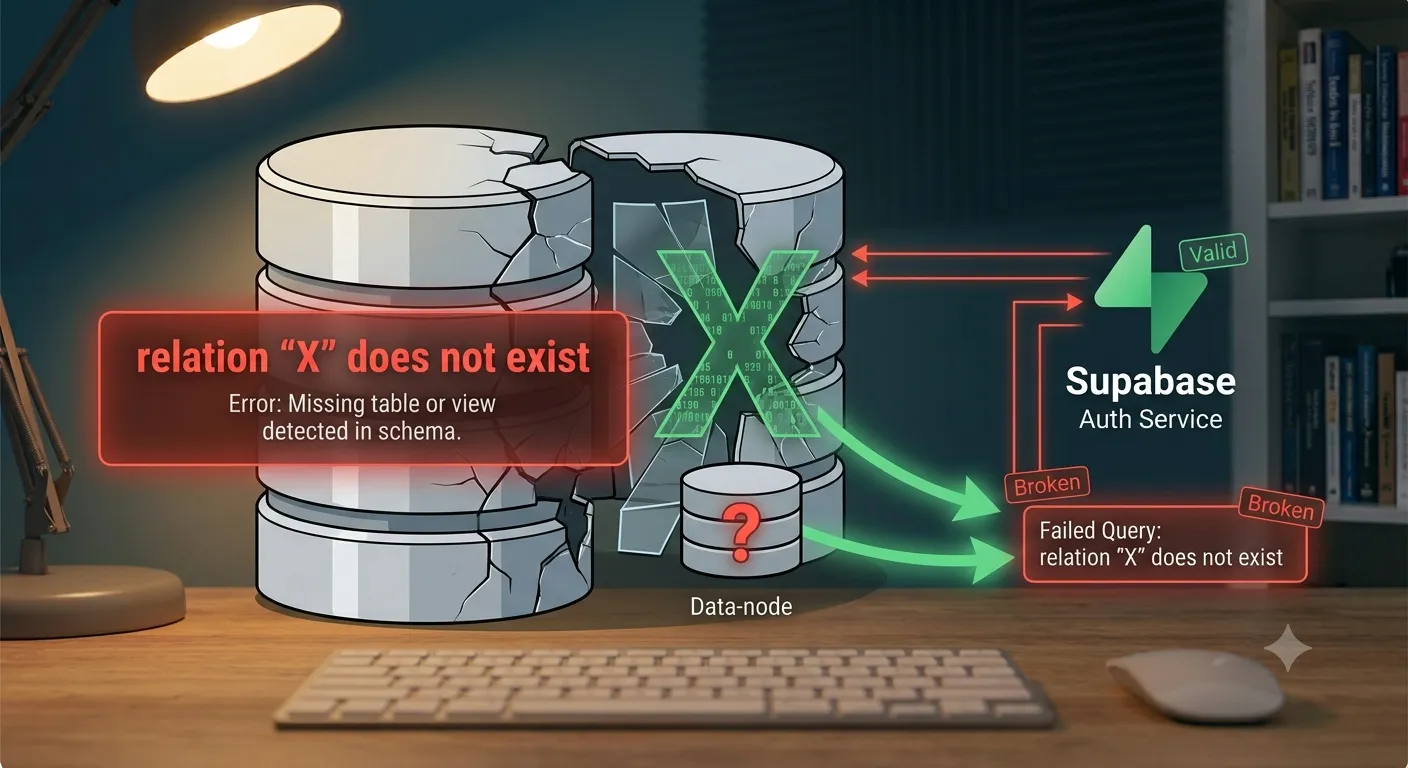
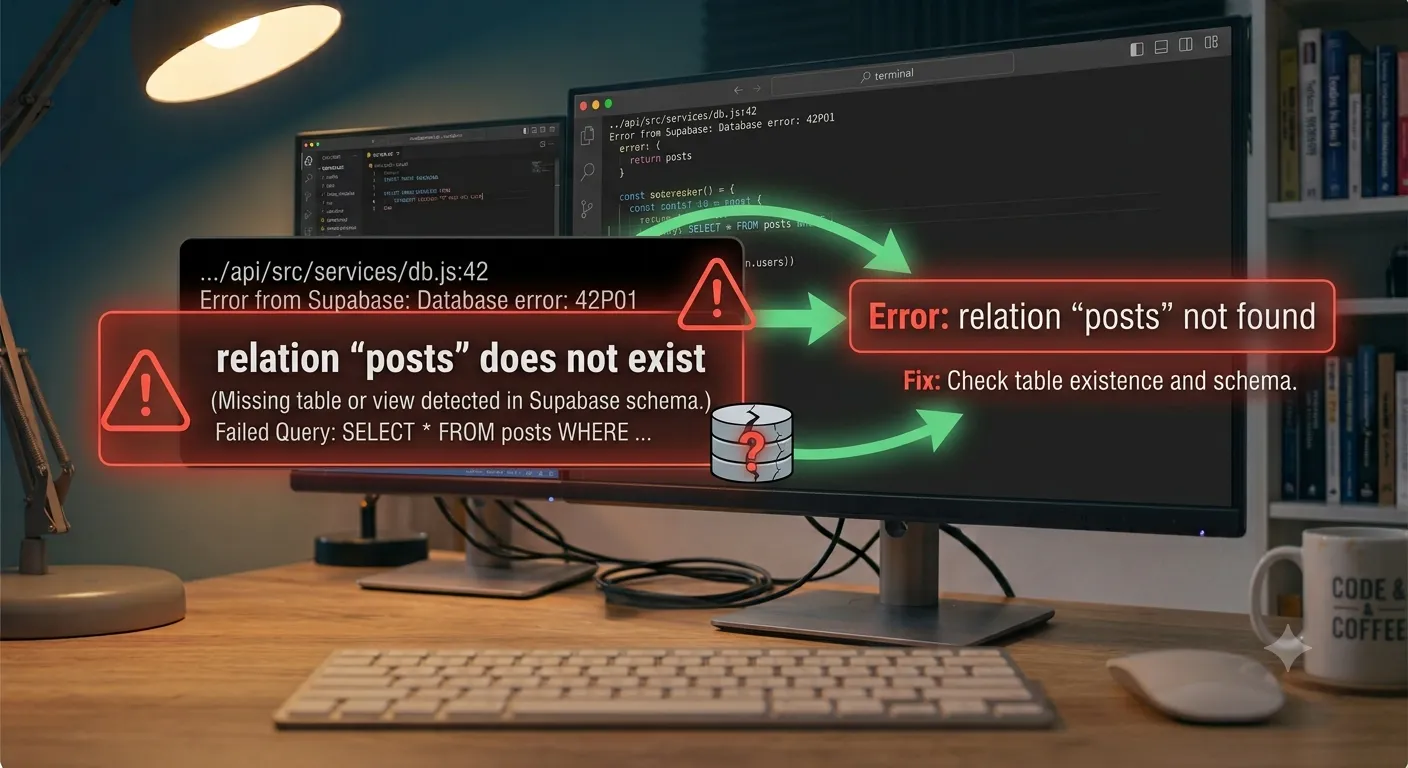
The error relation "table_name" does not exist is a Postgres error meaning the query referenced a table (or view) that Postgres can't find in the schema it's looking in. In Supabase this almost always comes down to a missing migration, a typo, or the table sitting in a schema that isn't exposed to the API.
Why It Happens
Postgres resolves table names against a specific schema search path, and Supabase's API only exposes schemas you've explicitly allowed. The error surfaces for a few distinct reasons that look identical on the surface.
Common causes:
- Migration not run - the table was defined in a migration file that was never applied to this database (common when working against a fresh branch or a different environment).
- Typo in the table name - a simple mismatch between the name in your query and the actual table name.
- Table in a different schema - the table exists, but in a schema other than
public, and that schema hasn't been exposed through Supabase's API settings. - Case-sensitivity with quoted identifiers - Postgres lowercases unquoted identifiers automatically; if the table was created with quotes and mixed case (e.g.
"Users"), you must query it with the exact same quoting and case. - Querying before the table is created - a race condition where application code runs against a database that hasn't finished migrating.
The Fix
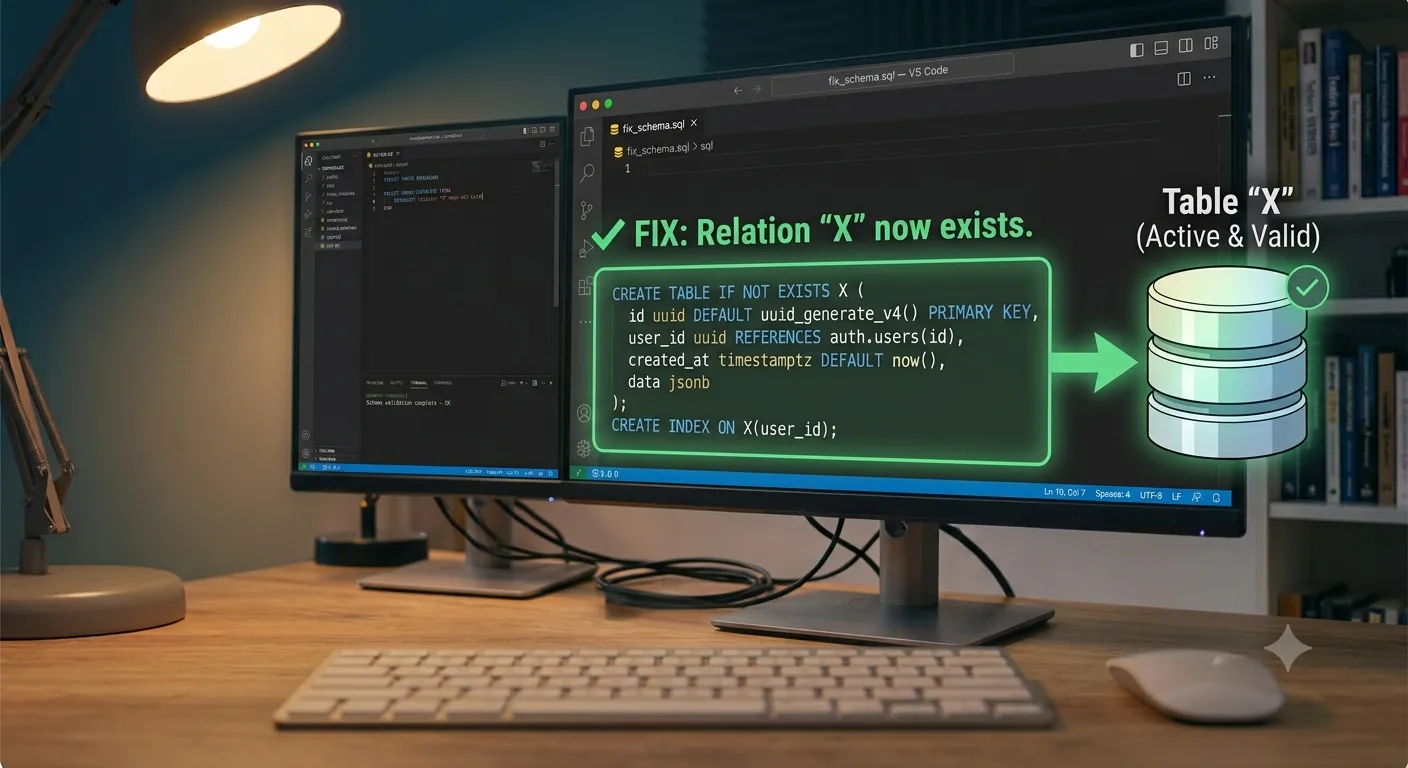
1. Confirm the migration actually ran
Check your migration history against the target database:
supabase migration list
If the table's migration isn't listed as applied, push it:
supabase db push
2. Check the table name and schema in the Table Editor
Open the Supabase dashboard's Table Editor and confirm the table exists, its exact spelling, and which schema it lives in. If you expected public.orders but see it under a custom schema like app, that's your answer.
3. Expose the schema in API settings
By default, Supabase's REST and client libraries only expose the public schema. If your table lives elsewhere, go to Project Settings > API > Exposed schemas and add the schema name, then query it explicitly:
const { data, error } = await supabase
  .schema('app')
  .from('orders')
  .select('*');
4. Match case and quoting exactly
If a table was created with a quoted, mixed-case name, reference it the same way in raw SQL:
SELECT * FROM "Orders";
In general, prefer creating tables with lowercase, unquoted names to avoid this entirely.
5. Verify from the SQL editor directly
Run a quick check to see what actually exists before debugging application code further:
SELECT table_schema, table_name
FROM information_schema.tables
WHERE table_name = 'orders';
This tells you definitively whether the table exists and in which schema, removing the guesswork.
How to Prevent It
- Keep migrations under version control and run them as part of your deploy pipeline, not manually.
- Stick to lowercase, unquoted table names to avoid case-sensitivity surprises.
- Default new tables to the
publicschema unless you have a clear reason to isolate them, and document any schema you do expose. - Add a startup or CI check that confirms expected tables exist before deploying application code that depends on them.
Frequently Asked Questions
Why does the table show up in the Table Editor but not in my API query?It's likely in a schema that isn't exposed to the API - check Project Settings > API > Exposed schemas and add it, or explicitly call .schema('your_schema') from the client.
Your local database usually has migrations auto-applied, while production requires an explicit supabase db push or deploy step - confirm the migration actually ran against the production project.
No - this is a schema state issue, not a caching issue, so restarting won't help until the table is actually created or exposed correctly.
Is this the same as a 'permission denied for table' error?No - "relation does not exist" means Postgres can't find the table at all, while "permission denied" means the table exists but your role or Row Level Security policy is blocking access.
Need Help With Supabase?
If migrations and schema exposure keep tripping up your Supabase project, we can help you set up a clean, reliable database workflow. Explore our development services or get in touch. If you're just getting Supabase connected to your app, check out our guide on connecting Next.js and React with Supabase.
Fixed it? Check the rest of your Supabase app for free. Our App Checker scans for exposed API keys, public Supabase service keys, SEO problems and slow loading in about 30 seconds.
Related Services
Bug Fix Service
Still stuck? We'll fix your Supabase error for you.
Skip the hours of trial and error. Send us the error and access to your project, and a senior developer will get it working, usually within 24 hours. We'll review it for free before any work starts.
- Your bug or error fixed by a senior developer
- Most fixes delivered within 24 hours
- Short write-up of the root cause and what changed
- Free assessment before any work starts