
No time to debug this Supabase issue? Tell us what's broken and our developers will get it working, usually within 24 hours.
The Problem
The "Invalid API key" error means Supabase rejected the apikey header on your request because it doesn't match a valid key for your project. This is a client-side configuration issue, not a Supabase outage: the wrong key, a key from another project, or a malformed environment variable are the usual suspects.
Why It Happens
Every Supabase project has two public-facing keys: the anon key and the service_role key. The error shows up when your app sends a key that Supabase can't validate against the project it's pointed at.
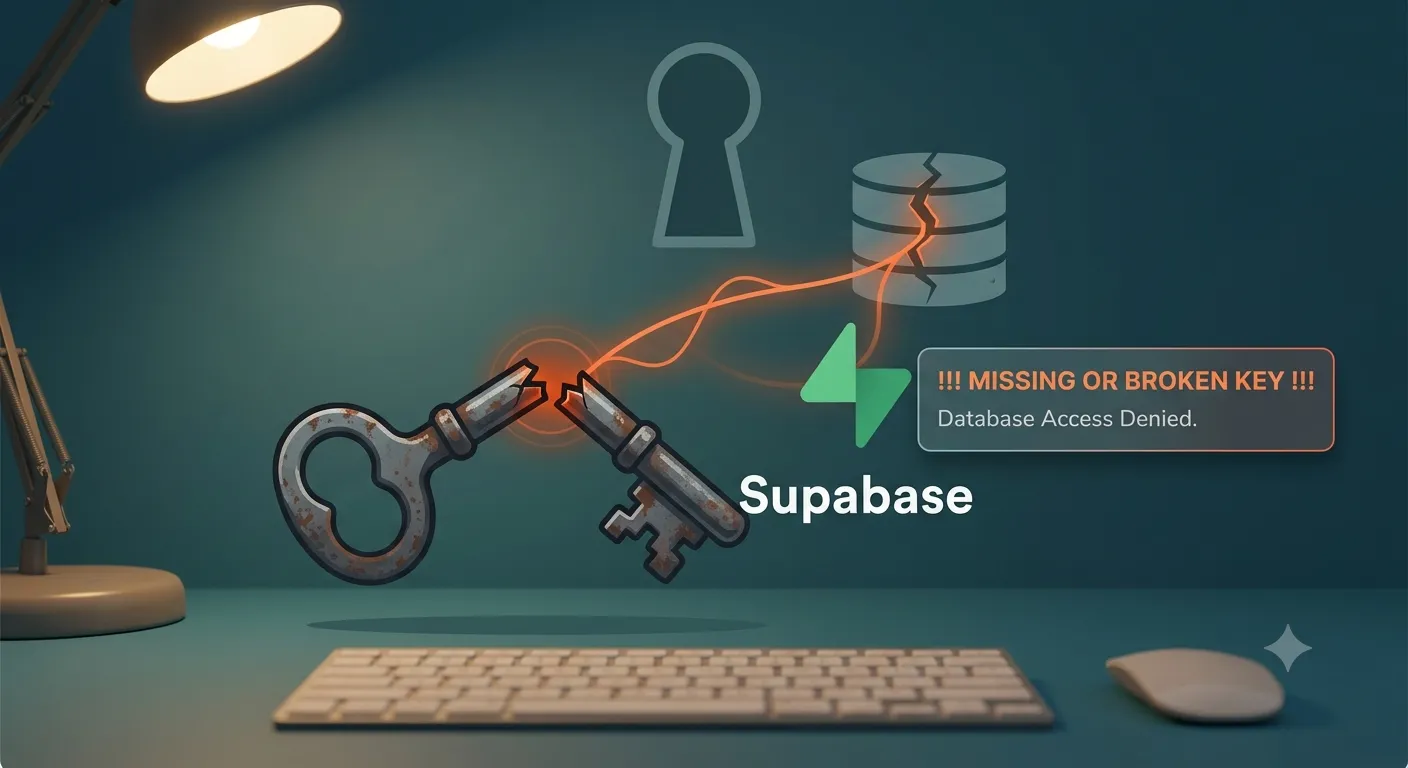
Common causes:
- Wrong key type - using the
service_rolekey where ananonkey is expected, or vice versa. - Key from a different project - copy-pasted from an old project or a teammate's
.envfile. - Env var not loaded or typo'd - the variable name is misspelled, or the file isn't picked up by your build tool.
- Using the JWT secret instead of the anon key - the JWT secret is a signing secret, not an API key, and Supabase will reject it outright.
- Extra whitespace or a trailing newline - pasting a key from a password manager or terminal often adds an invisible character that breaks the string.
The Fix
1. Get the correct keys from Project Settings
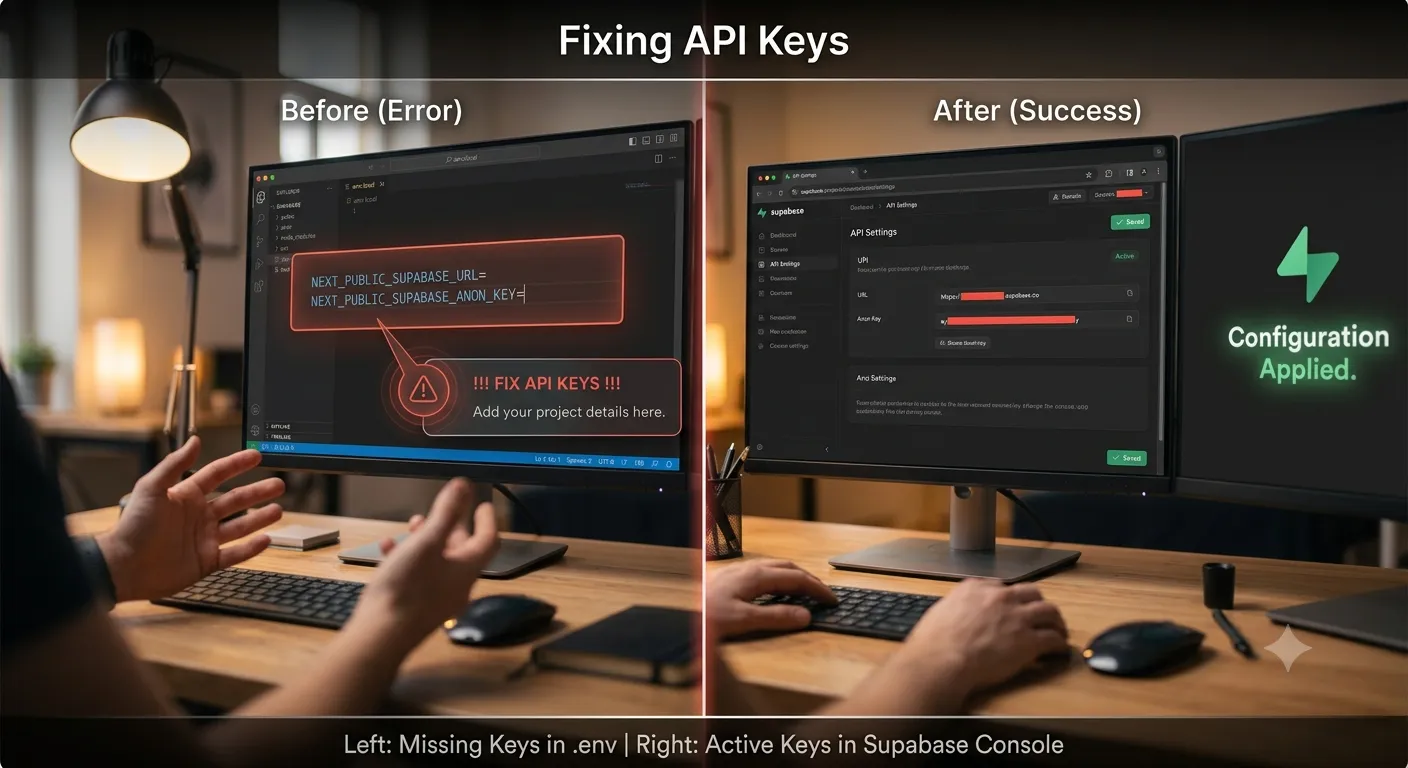
In the Supabase dashboard, go to Project Settings > API. You'll see the Project URL, the anon public key, and the service_role key. Copy the anon key for anything that runs in the browser.
2. Set your environment variables correctly
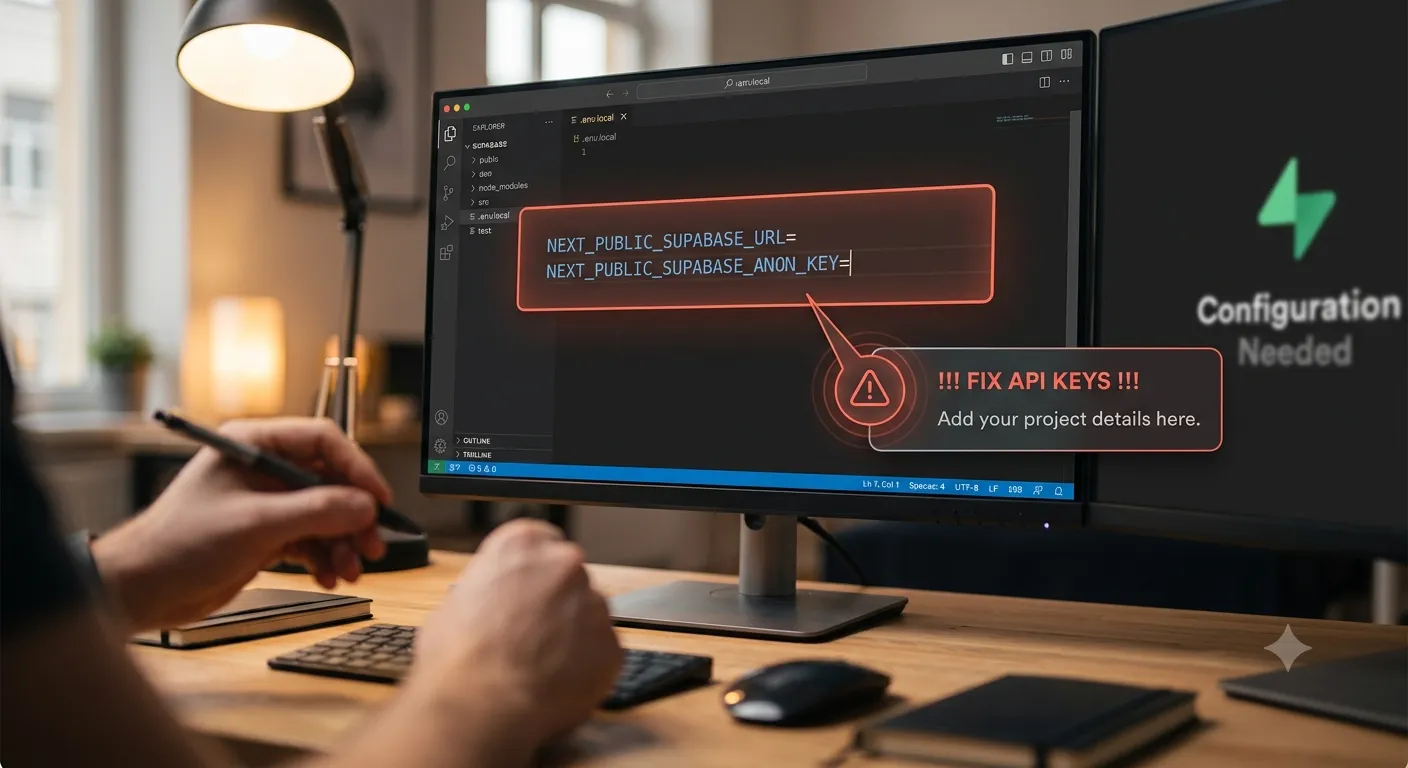
In a Next.js project, set both values in .env.local:
NEXT_PUBLIC_SUPABASE_URL=https://your-project-ref.supabase.co
NEXT_PUBLIC_SUPABASE_ANON_KEY=your-anon-key-here
Make sure there are no quotes, no trailing spaces, and no line breaks inside the key value. Then initialize the client with those variables:
import { createClient } from '@supabase/supabase-js';
const supabase = createClient(
  process.env.NEXT_PUBLIC_SUPABASE_URL!,
  process.env.NEXT_PUBLIC_SUPABASE_ANON_KEY!
);
3. Restart the dev server
Next.js only reads .env.local on startup. If you edited the file while the server was running, stop it and run npm run dev again - a hot reload is not enough.
4. Never mix up anon and service_role
The anon key is safe to expose in the browser and respects Row Level Security. The service_role key bypasses RLS entirely and must only be used in server-side code (API routes, Edge Functions, cron jobs) - never in client components, and never prefixed with NEXT_PUBLIC_.
5. Check for hidden whitespace
If you copied the key from a terminal or a shared doc, log its length to check for stray characters:
console.log(process.env.NEXT_PUBLIC_SUPABASE_ANON_KEY?.length);
A Supabase anon key is a JWT and should be a single continuous string with no line breaks.
How to Prevent It
- Keep a single source of truth for keys in your team's password manager, tagged by project name.
- Add a startup check that throws a clear error if required env vars are missing.
- Never commit
.env.local- use.env.examplewith placeholder values instead. - Re-copy keys directly from the dashboard rather than reusing ones from memory or old notes.
Frequently Asked Questions
Why does my key work locally but not in production?Your production environment (Vercel, Netlify, etc.) has its own environment variable settings that are separate from your local .env.local file - double-check they're set there too.
Yes, the anon key is designed to be public and is protected by Row Level Security policies on your tables; the service_role key is the one that must stay secret.
Can rotating my Supabase keys fix this error?Rotating keys in Project Settings > API generates new values, which helps if a key was leaked or corrupted, but you must update every place that key is used or the error will return.
Does an expired session cause 'Invalid API key' too?No - an expired session produces a "JWT expired" error, not "Invalid API key"; the two errors point to different problems.
Need Help With Supabase?
If your Supabase setup keeps throwing configuration errors, we can help you get authentication and environment variables set up correctly the first time. Explore our development services or get in touch. If you're wiring Supabase into a new app, see our guide on connecting Next.js and React with Supabase.
Fixed it? Check the rest of your Supabase app for free. Our App Checker scans for exposed API keys, public Supabase service keys, SEO problems and slow loading in about 30 seconds.
Related Services
Bug Fix Service
Still stuck? We'll fix your Supabase error for you.
Skip the hours of trial and error. Send us the error and access to your project, and a senior developer will get it working, usually within 24 hours. We'll review it for free before any work starts.
- Your bug or error fixed by a senior developer
- Most fixes delivered within 24 hours
- Short write-up of the root cause and what changed
- Free assessment before any work starts