
No time to debug this Firebase issue? Tell us what's broken and our developers will get it working, usually within 24 hours.
The Problem
The query requires an index is Firestore telling you that a composite query — one combining a filter with anorderBy, or multiple range filters — needs a composite index that doesn't exist yet. Firestore can only run these queries efficiently against a pre-built index, so it refuses the request instead of scanning every document.
Why It Happens
Firestore automatically indexes every field individually, but it does not automatically build indexes for combinations of fields. The query requires an index error shows up when you:
- Filter on one field and
orderBya different field - Use
where()on two or more fields with range operators (<,<=,>,>=) - Combine
array-containsorinwith another filter and anorderBy
Any of these shapes needs a composite index defined ahead of time.
The Fix
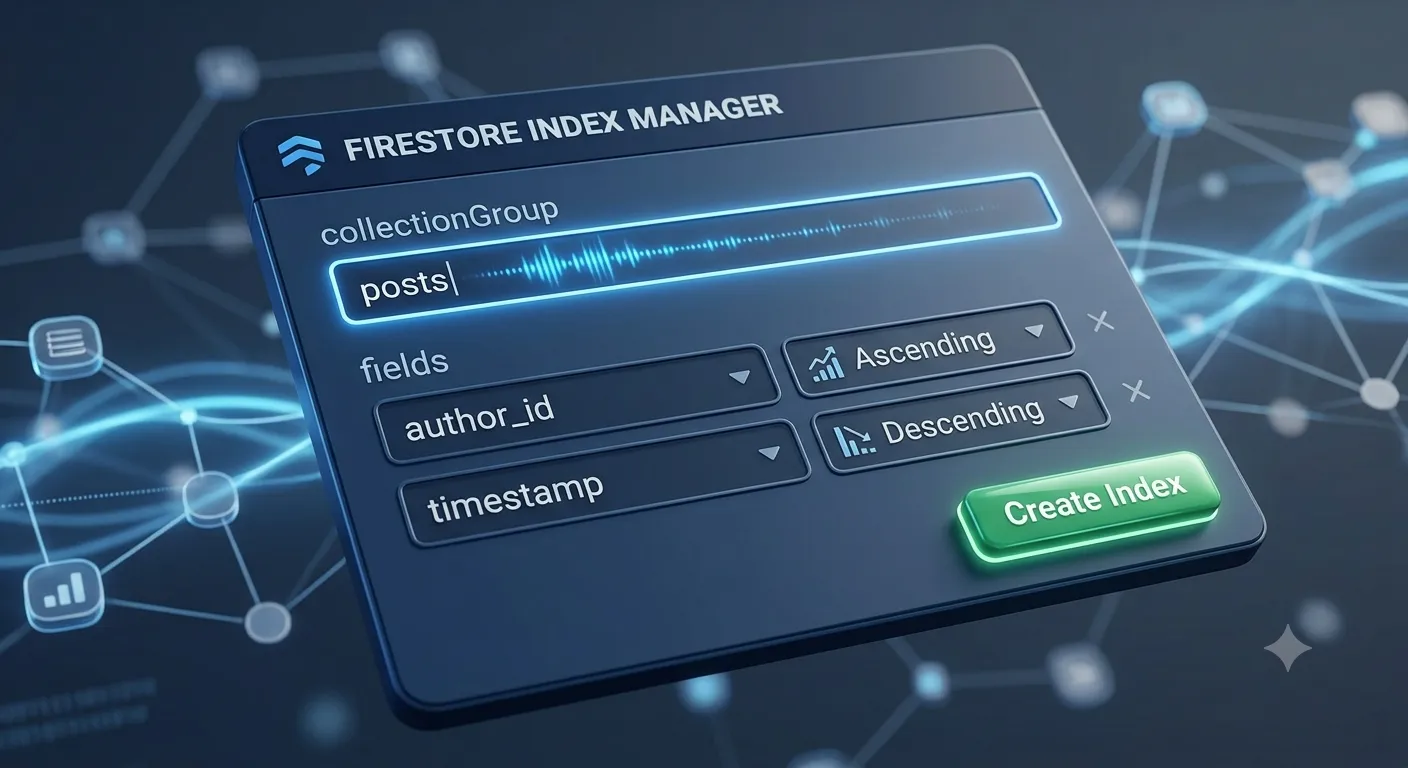
1. Use the link in the error message
The fastest fix: Firestore's error message includes a direct console link that pre-fills the exact composite index your query needs.
FirebaseError: The query requires an index. You can create it here:
https://console.firebase.google.com/project/YOUR_PROJECT/firestore/indexes?create_composite=...
Click the link, confirm the fields, and hit Create Index.
2. Define indexes in firestore.indexes.json
For reproducible deploys, define the same index in your indexes file instead of relying on console clicks:
{
  "indexes": [
    {
      "collectionGroup": "orders",
      "queryScope": "COLLECTION",
      "fields": [
        { "fieldPath": "status", "order": "ASCENDING" },
        { "fieldPath": "createdAt", "order": "DESCENDING" }
      ]
    }
  ]
}
Deploy it with the Firebase CLI:
firebase deploy --only firestore:indexes
3. Wait for the index to finish building
New indexes take time to build over existing data — anywhere from seconds to several minutes depending on collection size. Check status under Firestore Database > Indexes in the console before retrying the query; a status of "Building" means it isn't ready yet.

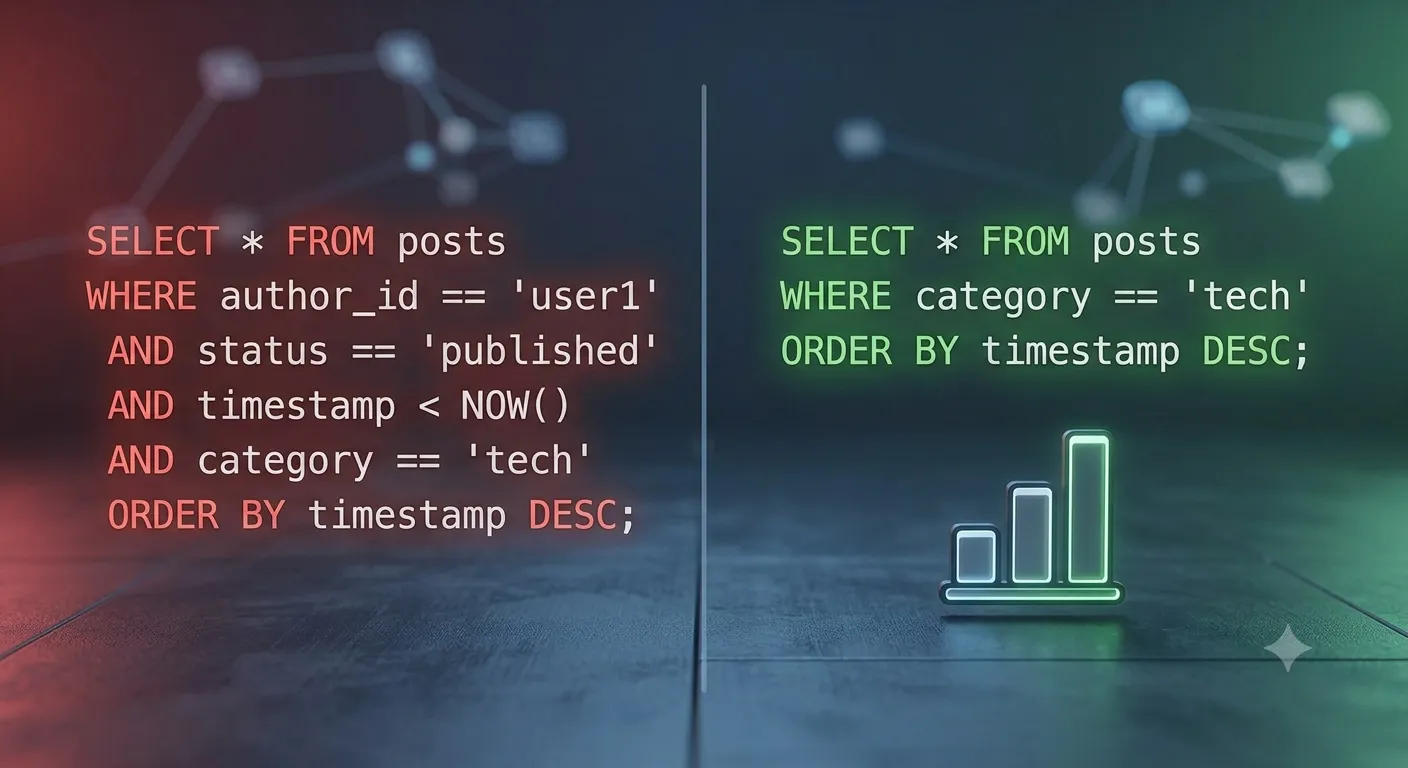
4. Simplify the query if you don't actually need a composite index
Sometimes the query requires an index error is a sign the query itself is doing too much. Consider:
// Instead of filtering and ordering on different fields:
query(collection(db, 'orders'), where('status', '==', 'paid'), orderBy('createdAt', 'desc'));
// Split into a client-side sort if the result set is small:
const snap = await getDocs(query(collection(db, 'orders'), where('status', '==', 'paid')));
const sorted = snap.docs.map((d) => d.data()).sort((a, b) => b.createdAt - a.createdAt);
How to Prevent It
- Check
firestore.indexes.jsoninto version control so indexes ship with every deploy - Run
firebase deploy --only firestore:indexesas part of CI/CD, not just locally - Avoid unnecessary composite queries — denormalize data if you find yourself combining many filters
- Review the Indexes tab periodically and delete unused indexes to keep write costs down
Frequently Asked Questions
Why doesn't Firestore build composite indexes automatically like single-field ones?Composite indexes multiply storage and write costs, so Firestore requires you to opt in explicitly rather than building every possible combination automatically.
How long does it take for a new index to become active?It depends on the size of the collection — small collections index in seconds, while large ones can take minutes. The console shows a live "Building" status.
Can I create the index without clicking the link in the error?Yes, add the field combination to firestore.indexes.json and run firebase deploy --only firestore:indexes.
array-contains filter?
No. Firestore only allows one array-contains or array-contains-any clause per query regardless of indexing — you'll need to restructure the query.
Need Help?
If your app's queries keep hitting index errors as your data grows, we can help you design a schema and index strategy that scales. Explore our development services or get in touch.
Fixed it? Check the rest of your Firebase app for free. Our App Checker scans for exposed API keys, public Supabase service keys, SEO problems and slow loading in about 30 seconds.
Related Services
Bug Fix Service
Still stuck? We'll fix your Firebase error for you.
Skip the hours of trial and error. Send us the error and access to your project, and a senior developer will get it working, usually within 24 hours. We'll review it for free before any work starts.
- Your bug or error fixed by a senior developer
- Most fixes delivered within 24 hours
- Short write-up of the root cause and what changed
- Free assessment before any work starts