No time to debug this Lovable issue? Tell us what's broken and our developers will get it working, usually within 24 hours.
The Symptom
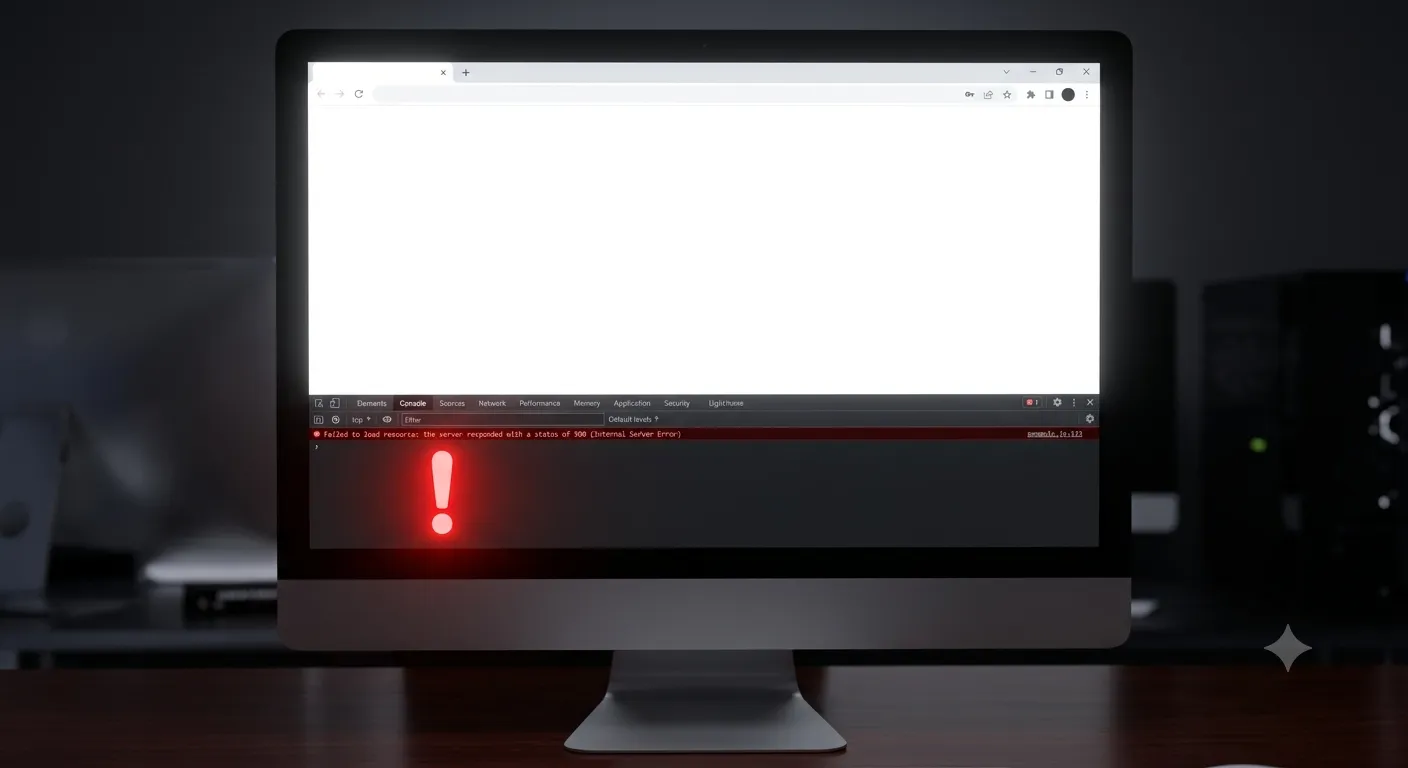
You hit Publish in Lovable and the live site shows a blank white screen or a "build failed" message — even though the preview looked perfect. This almost always comes down to a build error, a missing environment variable, or a runtime JavaScript error that only appears in production.
Diagnose It in 30 Seconds
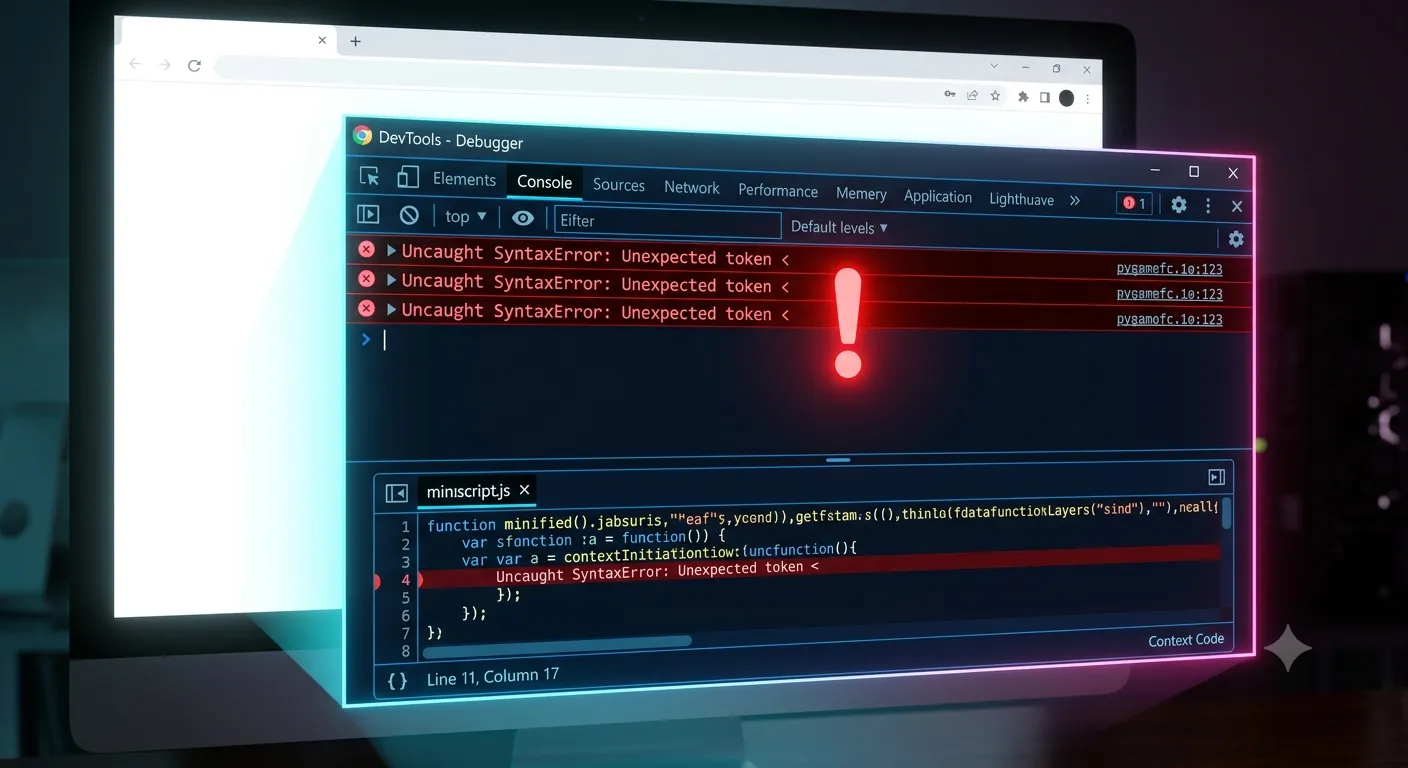
Open the published site, then open your browser's DevTools → Console (right-click anywhere → Inspect → Console). The red error message there tells you which of the causes below you're hitting. Don't skip this step — it turns guessing into a two-minute fix.
Common Causes and Fixes
1. Missing environment variables
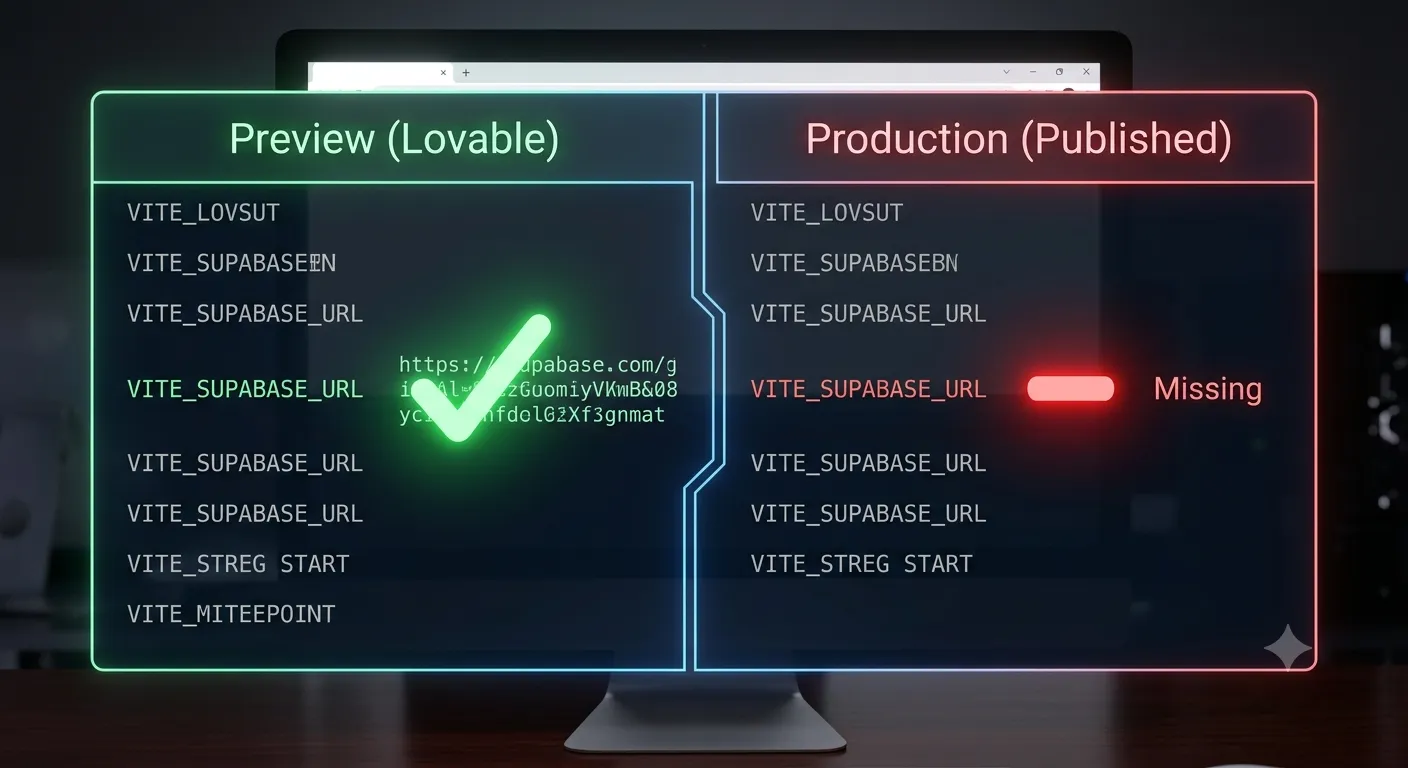
The preview can use values that were never set for the published build. Add your keys — Supabase URL and key, API keys, and so on — in Lovable's project/environment settings, then republish.
2. A case-sensitive import
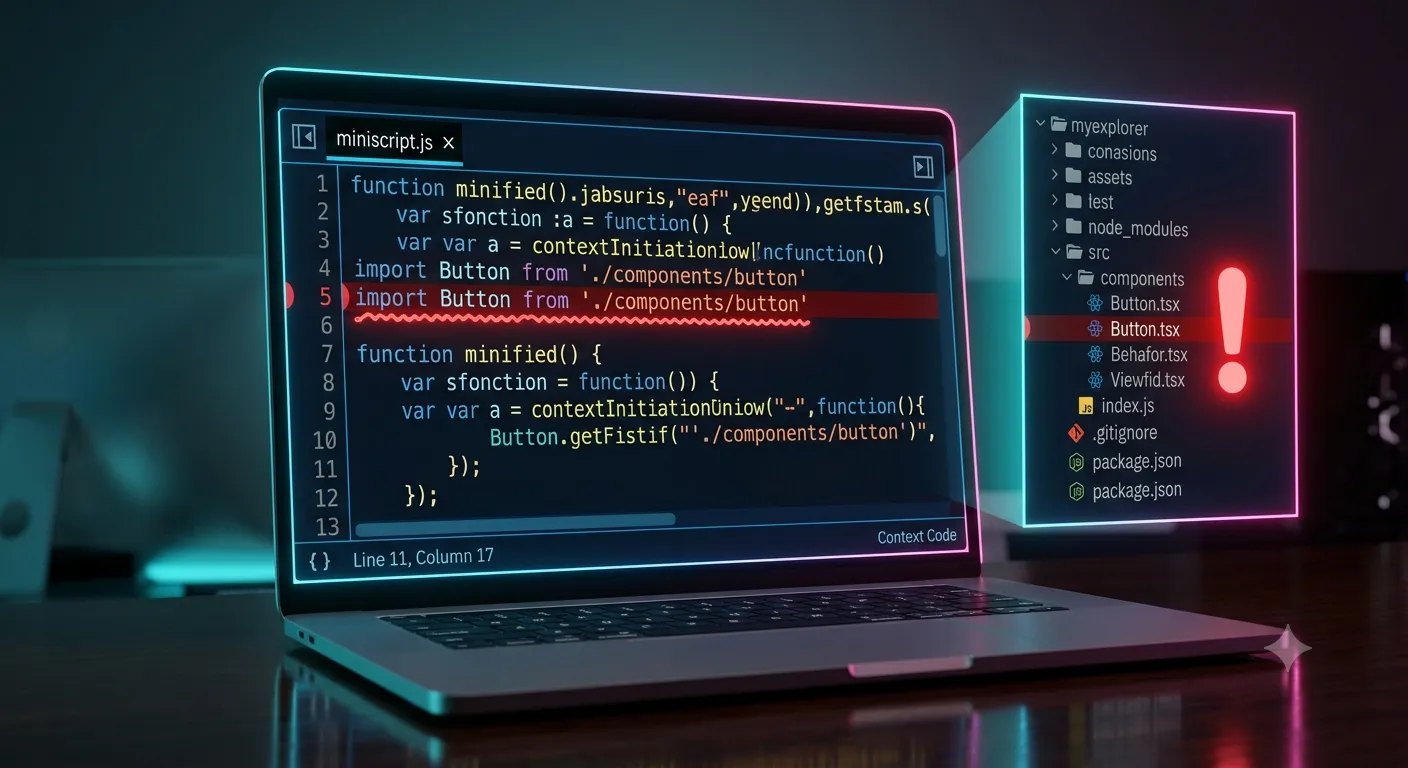
Production servers are case-sensitive. import Button from './components/button' fails if the file is actually Button.tsx. Match the file name's case exactly.
3. A runtime error on load
Calling something on undefined crashes the render and leaves a white screen. The console points to the exact line — add optional chaining or a guard, for example user?.name instead of user.name.
4. Using browser APIs too early
Referencing window or localStorage during the initial render can break the published build. Access them inside an effect or event handler instead.
5. A stale cache
If you already fixed the issue but still see white, hard-refresh with Cmd/Ctrl + Shift + R, or open the site in an incognito window.
Still Stuck? Debug Locally
If Lovable's editor hides the real error, export your code from Lovable, run it locally with npm run dev, and your terminal and console will show the exact stack trace. Nine times out of ten, the fix is obvious once you can see the real error.
Frequently Asked Questions
Why does the preview work but the published site doesn't?Preview and production are built differently — production applies optimizations, is case-sensitive, and needs its own environment variables. A value that exists in preview may be missing in production.
Where do I actually see the error?Open the published URL, then your browser's DevTools Console. The red error message names the file and line causing the white screen.
Could a custom domain be the cause?If the site only breaks on your domain, it's likely DNS or HTTPS, not the code. See our guide on connecting a custom domain to Lovable.
Will I lose my work if I republish?No. Republishing redeploys the same project. Your code and data are not affected.
Outgrowing Lovable?
A white screen after publish is often the moment a no-code project needs real engineering. Amex Technology takes Lovable apps to stable, production-ready code — from debugging to full rebuilds. Explore our services or get in touch.
Fixed it? Check the rest of your Lovable app for free. Our App Checker scans for exposed API keys, public Supabase service keys, SEO problems and slow loading in about 30 seconds.
Related Services
Bug Fix Service
Still stuck? We'll fix your Lovable error for you.
Skip the hours of trial and error. Send us the error and access to your project, and a senior developer will get it working, usually within 24 hours. We'll review it for free before any work starts.
- Your bug or error fixed by a senior developer
- Most fixes delivered within 24 hours
- Short write-up of the root cause and what changed
- Free assessment before any work starts