
No time to debug this Vercel issue? Tell us what's broken and our developers will get it working, usually within 24 hours.
The Problem
If you deploy to Vercel and get 404: NOT_FOUND (sometimes shown as DEPLOYMENT_NOT_FOUND), it usually means Vercel can't find the build output or routes it expects, not that your app crashed. Most cases trace back to an incorrect framework preset, output directory, or a missing rewrite rule for client-side routing.
Why It Happens
A 404: NOT_FOUND on Vercel almost always comes down to one of these:
- Wrong output directory or framework preset: Vercel looks in a specific folder based on the detected framework. If it's misdetected, it won't find your built pages.
- Missing routes for client-side routing: Single-page apps that handle routing entirely in the browser need an explicit rewrite rule, otherwise Vercel returns 404 for any path that isn't a real file.
- Case-sensitive file paths: Vercel's file system is case-sensitive even if your local OS isn't, so
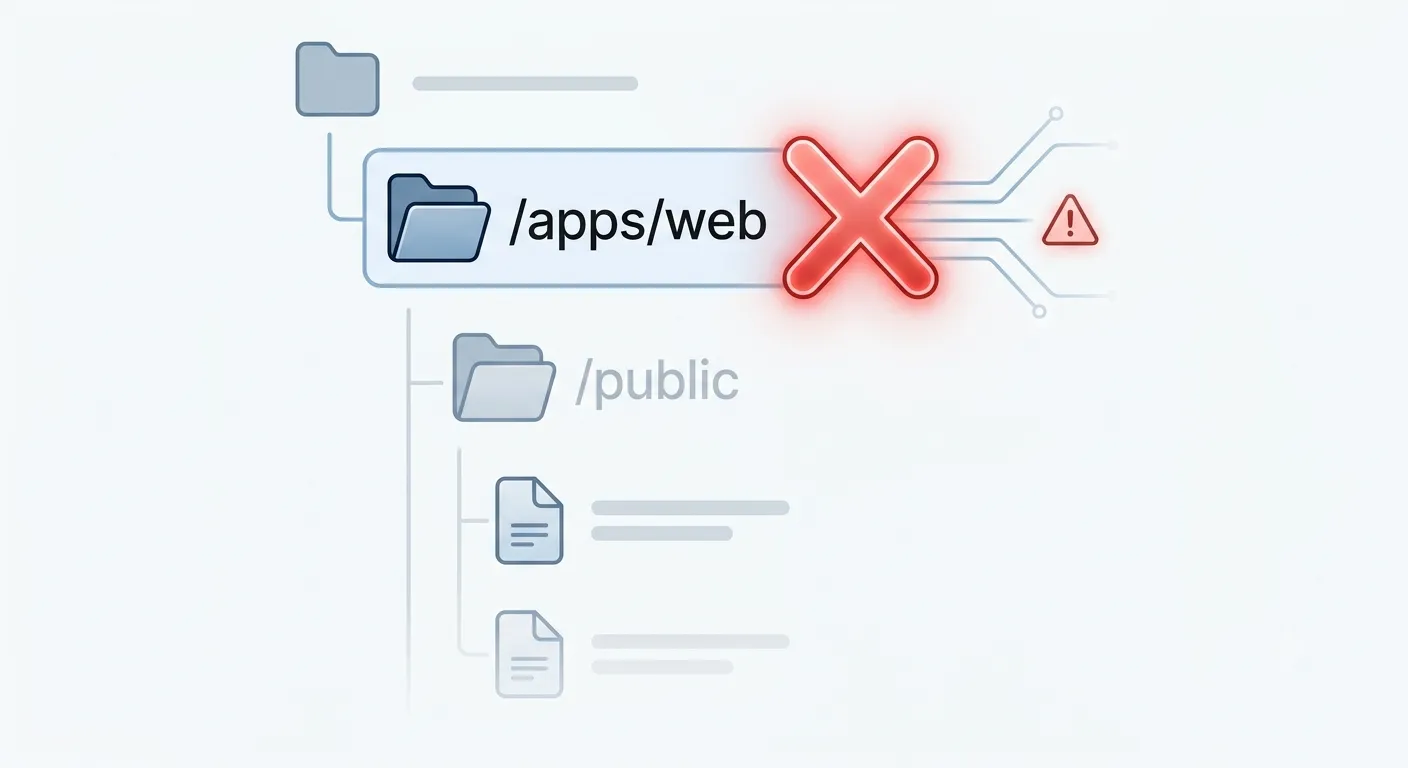
About.tsxandabout.tsxare treated as different files in production. - Wrong root directory in a monorepo: If your project lives in a subfolder (like
apps/web), Vercel needs to be told that's the root, or it will try to build from the repo root and fail to find your app. - Missing index route: If there's no page at the root path, hitting your domain directly returns 404 even though other routes work.
The Fix
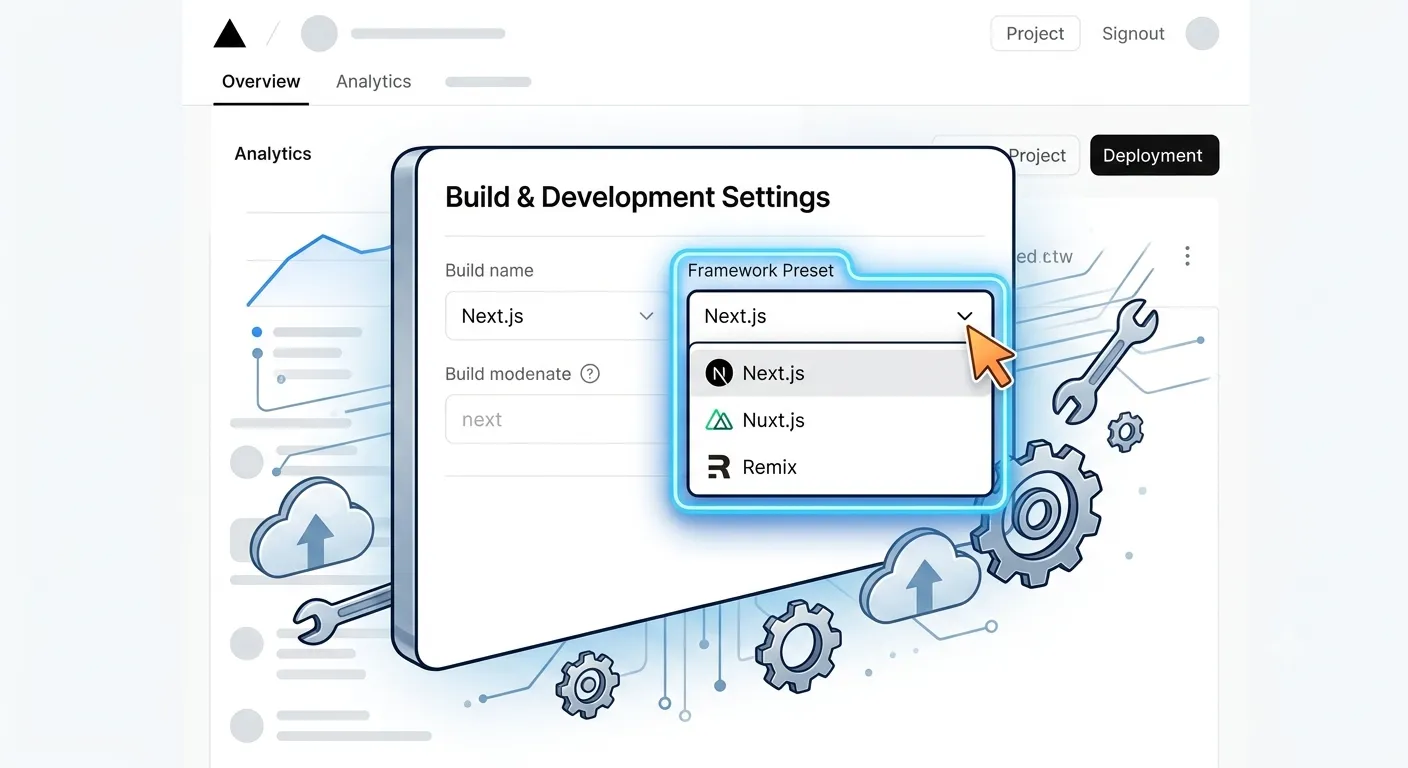
1. Confirm the framework preset and output directory
In your Vercel project settings, go to Settings > General and check that Framework Preset matches your actual framework (Next.js, Vite, Create React App, etc.). Vercel usually auto-detects this correctly, but a custom build setup can throw it off.
2. Add rewrites for client-side routing
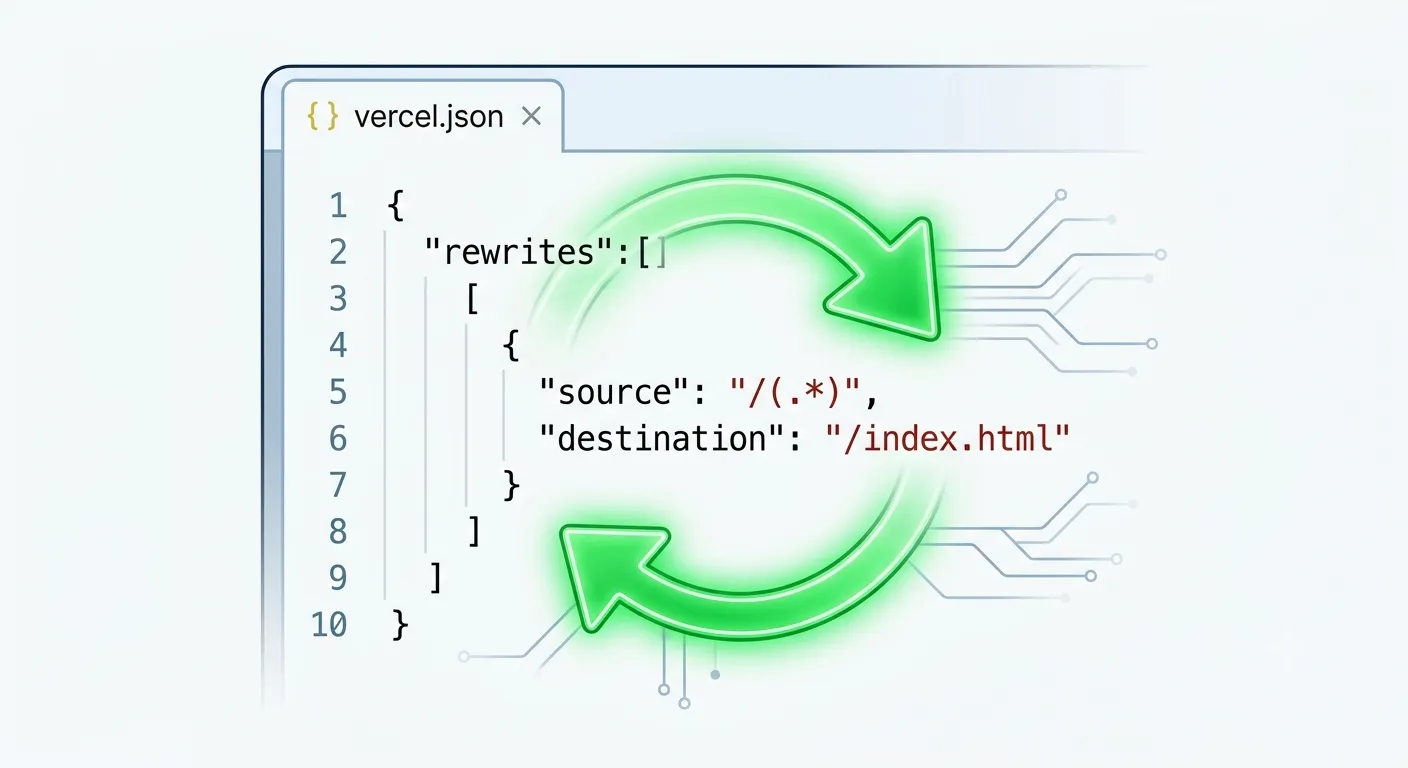
For SPAs that aren't using a framework with built-in routing (like plain React with react-router), add a catch-all rewrite in vercel.json so every path serves your index.html:
{
  "rewrites": [
    { "source": "/(.*)", "destination": "/index.html" }
  ]
}
Without this, refreshing any route other than the homepage returns 404.
3. Check file casing
Search your project for filename casing mismatches between imports and actual files:
find . -iname '*about*'
Rename files so the casing on disk exactly matches every import and route reference.
4. Set the correct root directory in a monorepo
In Settings > General > Root Directory, point Vercel at the subfolder containing your app, for example apps/web. This tells Vercel where to run the build and find the output.
5. Redeploy
After any of the above changes, trigger a fresh deployment rather than relying on a cached build:
vercel --prod
How to Prevent It
- Keep framework preset and root directory settings documented for every project, especially in monorepos.
- Use consistent, lowercase file and folder naming to avoid case-sensitivity surprises between local and production environments.
- Add a
vercel.jsonrewrite rule up front for any SPA that handles its own client-side routing. - Test a production build locally before deploying, so missing routes surface before they hit Vercel.
Frequently Asked Questions
What does Vercel 404 NOT_FOUND mean?It means Vercel couldn't match the requested path to a built page, static file, or route, usually because of an incorrect output directory, framework preset, or missing rewrite rule.
Why do I get 404 only on some routes, not the homepage?This is the classic sign of a missing SPA rewrite rule. Client-side routes that only exist in the browser's JavaScript router need a catch-all rewrite to index.html, otherwise direct visits or refreshes 404.
Vercel builds from the repo root by default. If your app actually lives in a subfolder, you need to set the correct Root Directory in project settings so Vercel builds and serves the right output.
Do I need a vercel.json rewrite for a single-page app?Yes, if your app relies on client-side routing without server-rendered routes for each path. Without a catch-all rewrite, any URL that isn't the exact entry file returns 404.
Need Help?
Deployment issues are frustrating because everything looks fine locally. Explore our development services or get in touch if you need help diagnosing a stubborn Vercel deployment.
Fixed it? Check the rest of your Vercel app for free. Our App Checker scans for exposed API keys, public Supabase service keys, SEO problems and slow loading in about 30 seconds.
Related Services
Bug Fix Service
Still stuck? We'll fix your Vercel error for you.
Skip the hours of trial and error. Send us the error and access to your project, and a senior developer will get it working, usually within 24 hours. We'll review it for free before any work starts.
- Your bug or error fixed by a senior developer
- Most fixes delivered within 24 hours
- Short write-up of the root cause and what changed
- Free assessment before any work starts