
No time to debug this Supabase issue? Tell us what's broken and our developers will get it working, usually within 24 hours.
What's Happening
Your app builds locally but the Vercel build fails after you add Supabase, often with supabaseUrl is required or Missing environment variable. The cause is almost always environment variables that exist on your machine but were never added to Vercel.
Common Causes and Fixes
1. The env vars aren't set in Vercel
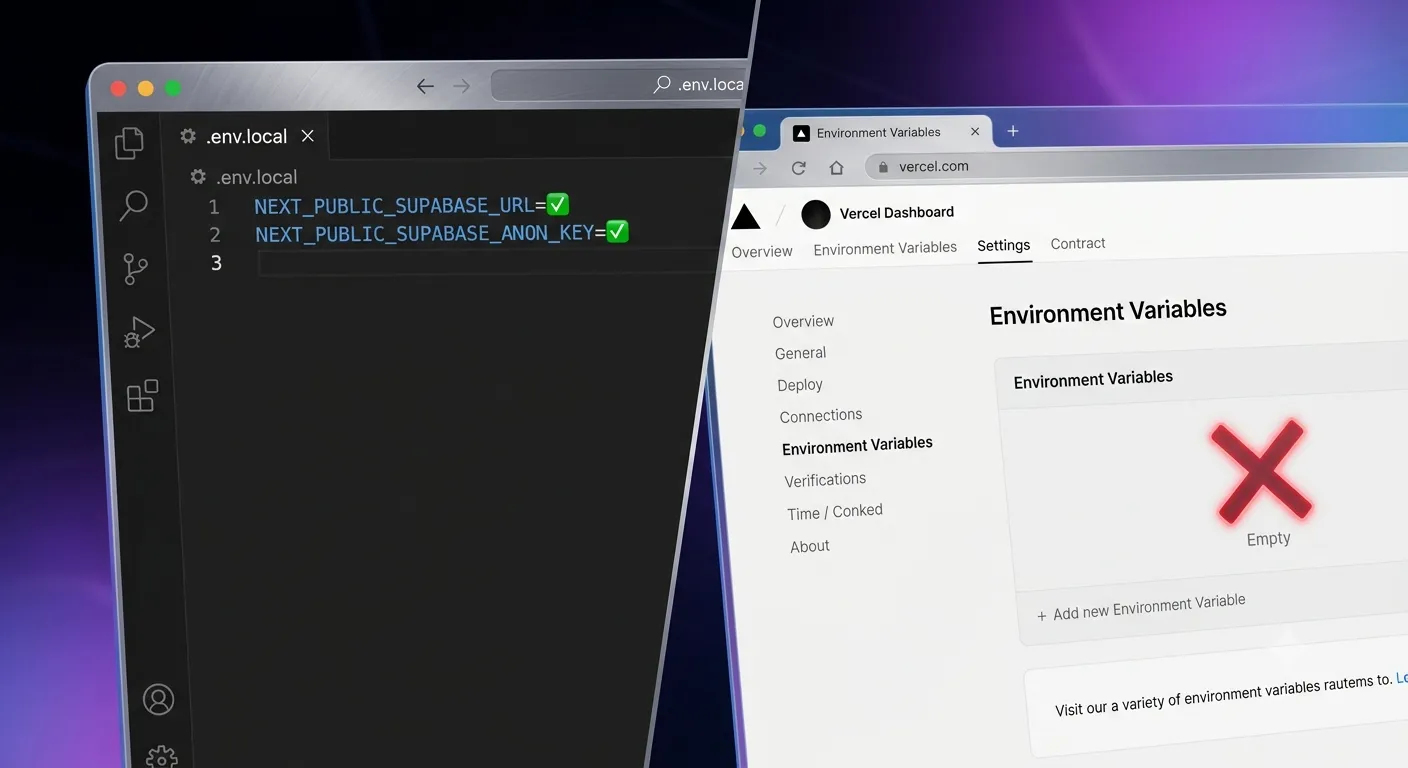
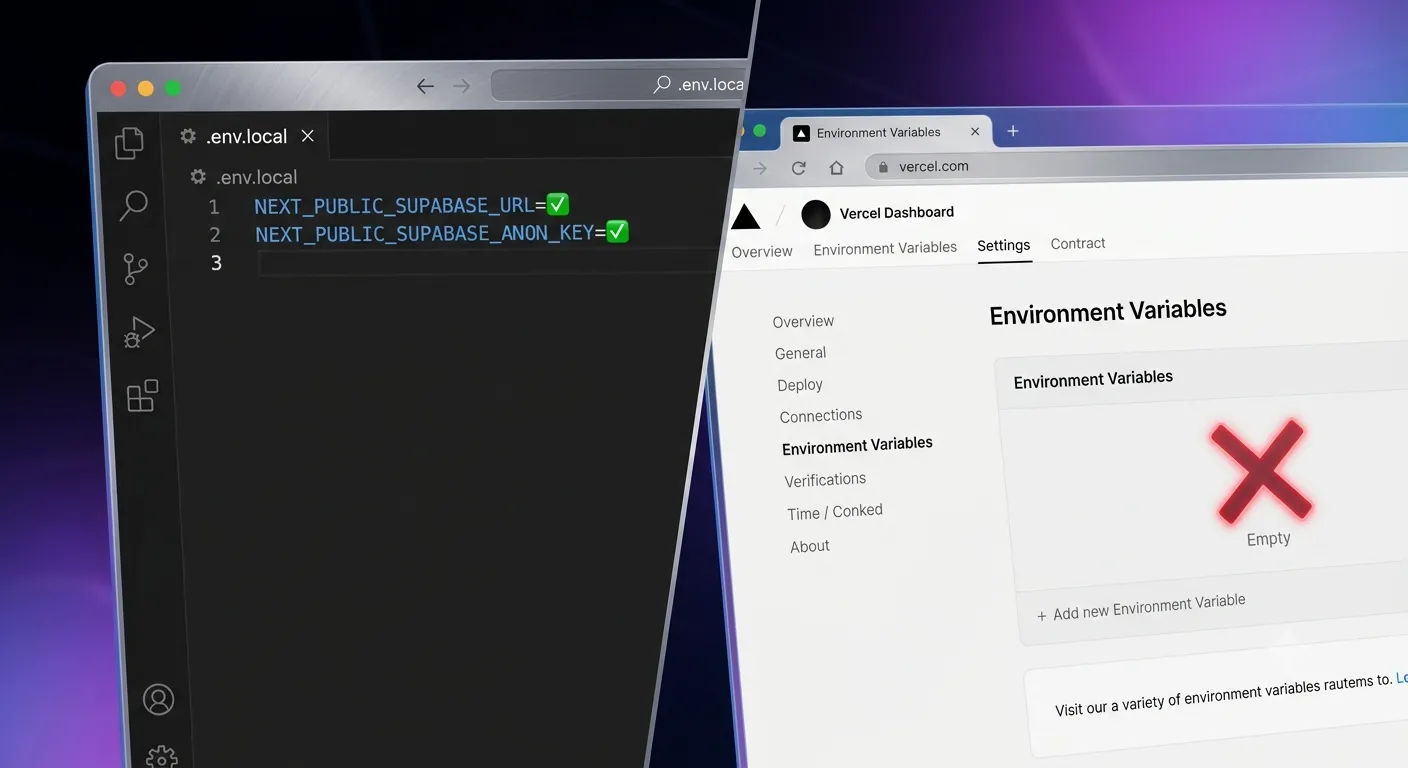
Your .env.local file is not deployed — it stays on your machine. Add the variables in Vercel → Project → Settings → Environment Variables:
NEXT_PUBLIC_SUPABASE_URLNEXT_PUBLIC_SUPABASE_ANON_KEY
Set them for Production, Preview, and Development, then redeploy.
2. Missing NEXT_PUBLIC_ prefix
Any variable used in client-side code must start with NEXT_PUBLIC_. Without the prefix, the value is undefined in the browser bundle and the Supabase client throws during build or render.
3. You didn't redeploy
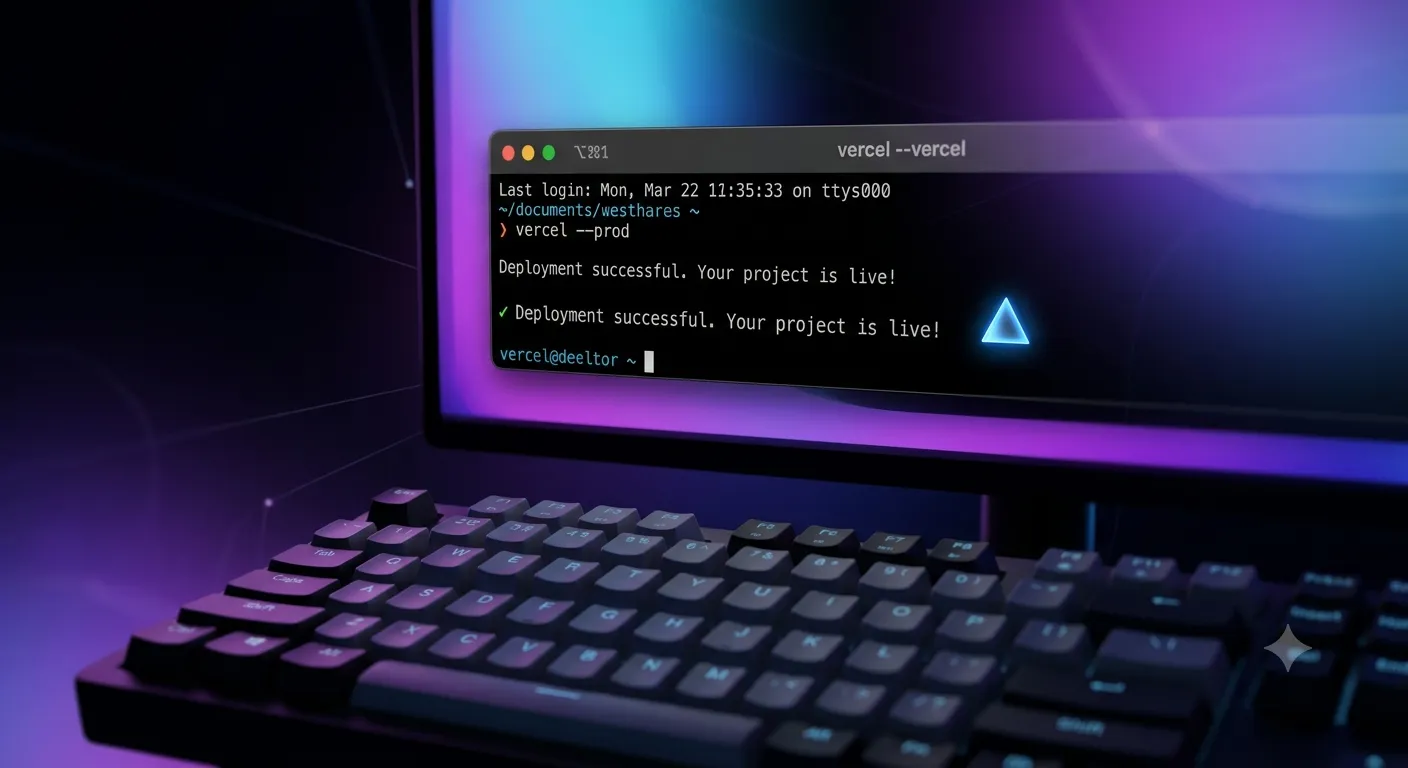
Vercel only picks up new environment variables on the next build. Adding them does not retro-apply to the current deployment — trigger a fresh redeploy after saving.
4. The client is created at build time
If you initialize the Supabase client at the top level of a module, it can run during prerendering. Guard against missing values, or create the client lazily inside a function/component so it runs at request time.
5. Wrong environment scope
If you added the variable only to "Production" but the failing build is a Preview (pull-request) deploy, that build won't have it. Tick all three environments.
How to Prevent It
- Keep a committed
.env.examplelisting every required key (no real values). - Match variable names exactly — they are case-sensitive.
- Store secrets like the service-role key without the
NEXT_PUBLIC_prefix so they stay server-side.
If you're also wiring up the domain, our GoDaddy-to-Vercel guide covers that next step.
Frequently Asked Questions
Why does it build locally but not on Vercel?Locally, Next.js reads .env.local. Vercel doesn't have that file — you must add the same variables in the Vercel dashboard and redeploy.
NEXT_PUBLIC_ variables are exposed to the browser. Keep secrets such as the Supabase service-role key without the prefix so they stay on the server only.
Do I need to redeploy after changing an environment variable?
Yes. Env var changes only take effect on the next build, so trigger a redeploy every time you add or change one.
Where do I find my Supabase URL and keys?In the Supabase dashboard under Project Settings → API.
Deploying Something Important?
We ship production apps on Next.js, Supabase, and Vercel every week. If you want your deploy pipeline set up cleanly — env management, previews, and all — Amex Technology can help. See our services or get in touch.
Fixed it? Check the rest of your Supabase app for free. Our App Checker scans for exposed API keys, public Supabase service keys, SEO problems and slow loading in about 30 seconds.
Bug Fix Service
Still stuck? We'll fix your Supabase error for you.
Skip the hours of trial and error. Send us the error and access to your project, and a senior developer will get it working, usually within 24 hours. We'll review it for free before any work starts.
- Your bug or error fixed by a senior developer
- Most fixes delivered within 24 hours
- Short write-up of the root cause and what changed
- Free assessment before any work starts