No time to debug this Supabase issue? Tell us what's broken and our developers will get it working, usually within 24 hours.
What This Error Means
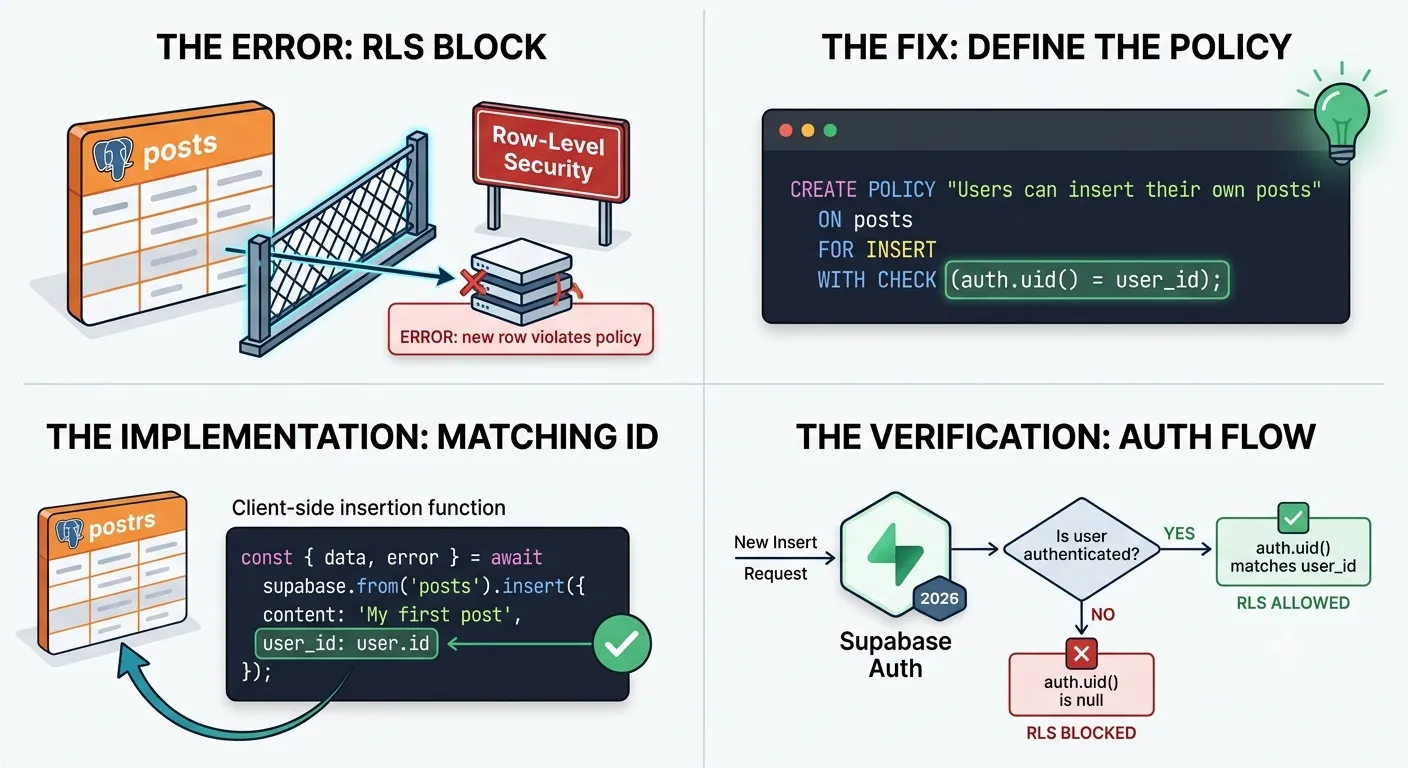
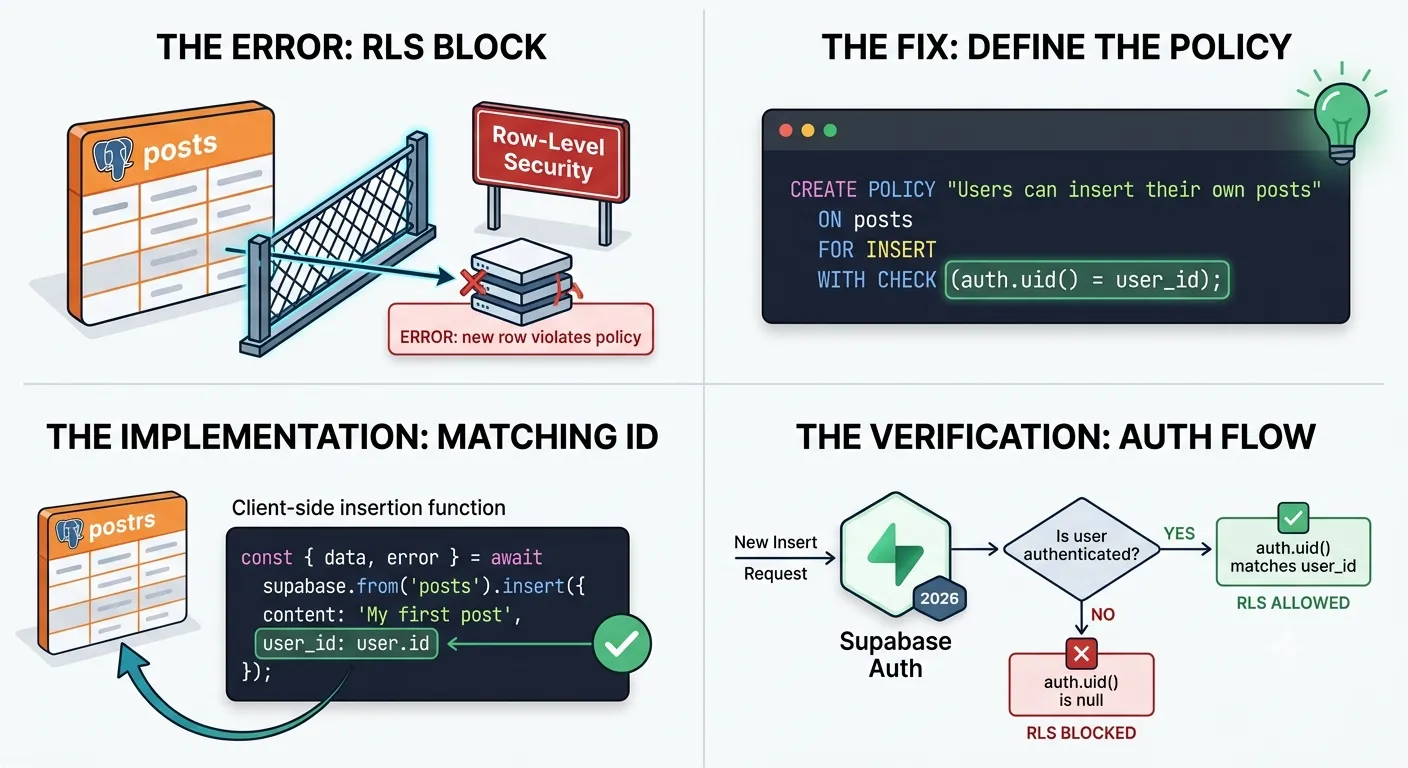
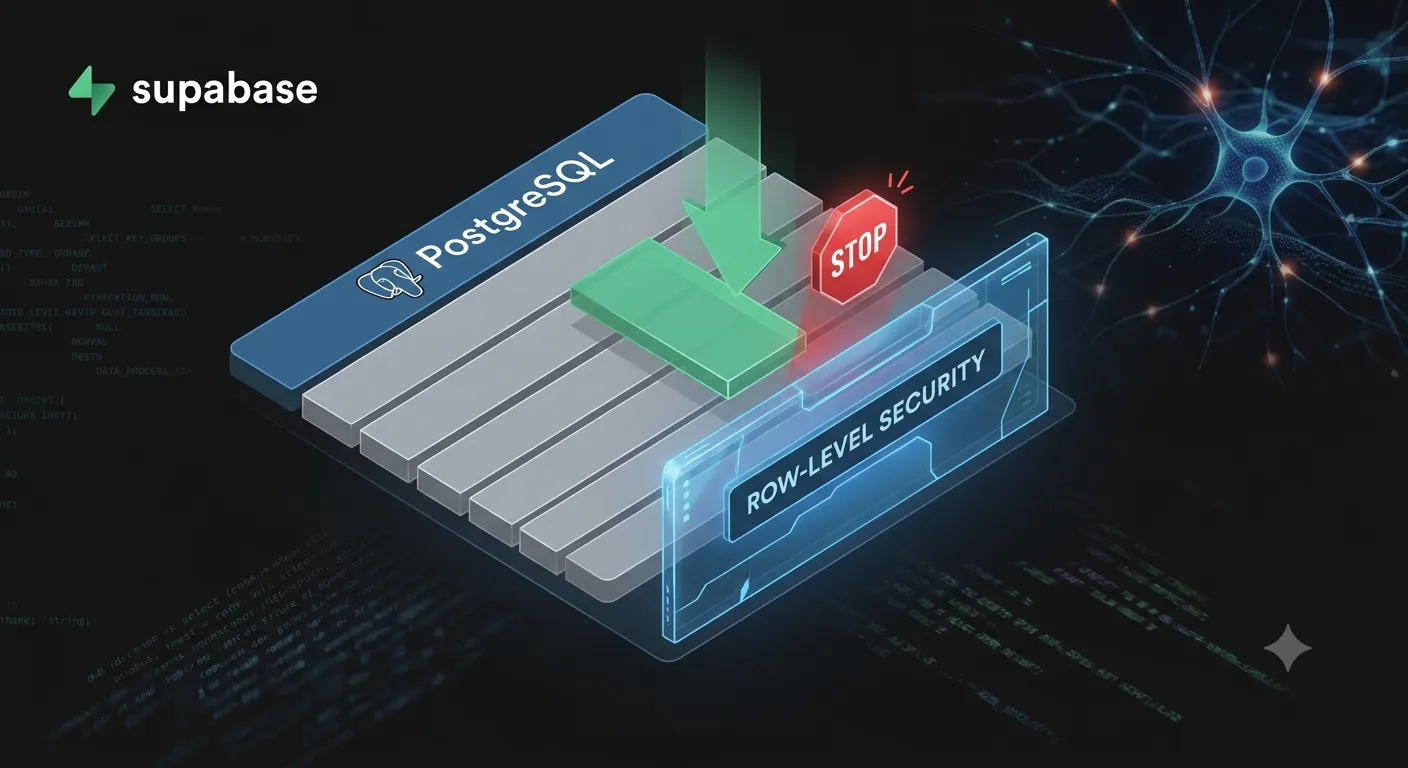
The Supabase error new row violates row-level security policy for table "posts" (Postgres error code 42501) means Row Level Security blocked your write. RLS is enabled on the table, and no policy's WITH CHECK condition passed for the row you tried to insert or update.
The fix is almost always one of three things: add an INSERT policy, make sure the row's user_id matches auth.uid(), or make sure the request is actually authenticated. If you also read the row back with .select() or use upsert, you need SELECT and UPDATE policies too.
Quick Diagnosis
Find the line that matches what you're doing:
| You're doing | Policies you need |
|---|---|
insert() | INSERT |
insert().select() | INSERT and SELECT |
update() | UPDATE (and SELECT to find the row) |
upsert() | INSERT, UPDATE and SELECT |
Storage upload() | INSERT on storage.objects |
Storage upload() with upsert: true | INSERT, SELECT and UPDATE on storage.objects |
If the matching policies exist, the problem is the values in the row or a missing session, covered below.
The Most Common Causes
- RLS is on, but there's no INSERT policy. RLS denies everything by default, so enabling it without policies blocks every write.
- The
WITH CHECKcondition fails. A policy exists, but the row doesn't satisfy it, usually becauseuser_iddoesn't matchauth.uid(). auth.uid()is null. The request isn't authenticated, so any policy comparing toauth.uid()fails.- You return the row without a SELECT policy.
insert().select()has to read the new row back. Without a SELECT policy, Postgres reports the same error even though your INSERT policy is fine. - You use
upsertwith only an INSERT policy. Upsert can turn into an UPDATE, so it needs UPDATE (and SELECT) policies as well.
How to Fix It
1. Add an INSERT policy
Most tables holding per-user data need a policy like this:
alter table posts enable row level security;
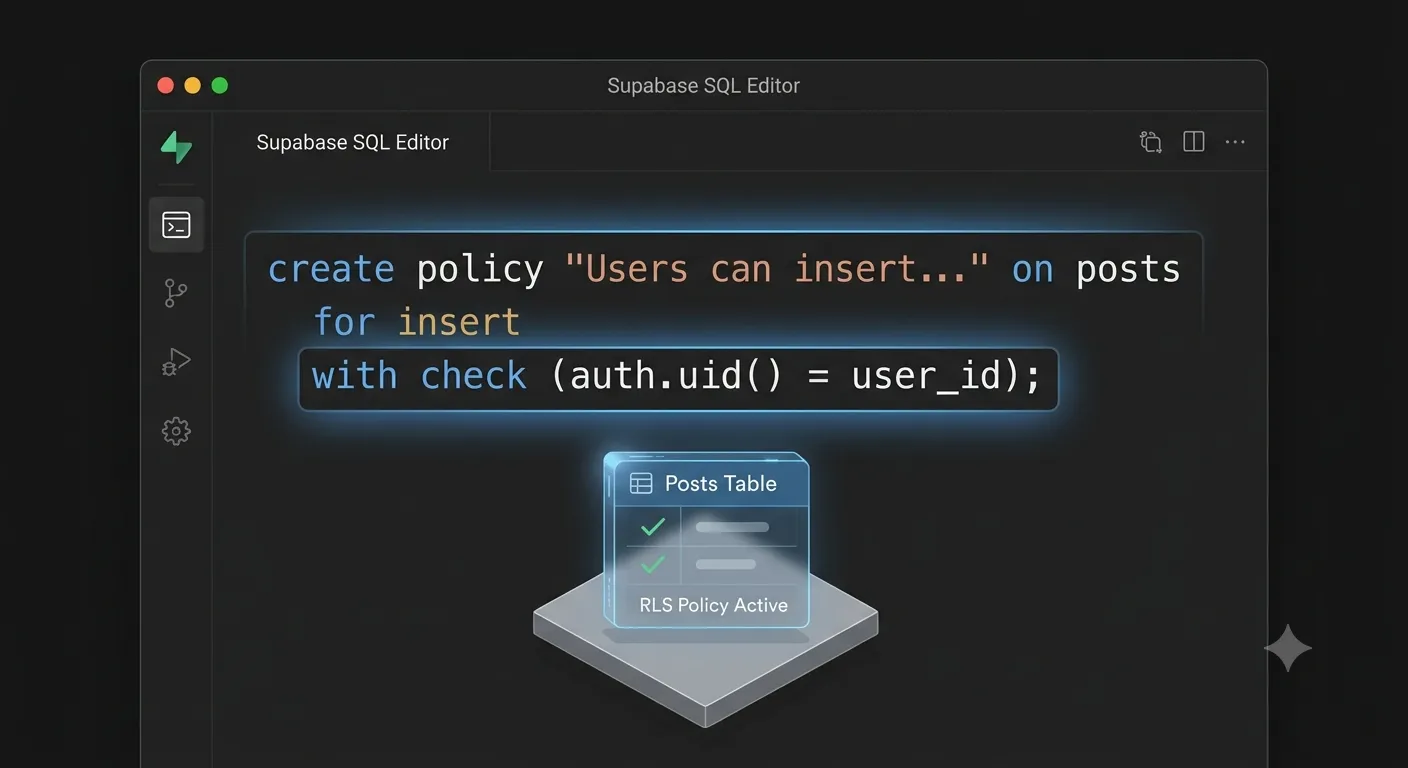
create policy "Users can insert their own posts"
on posts for insert
to authenticated
with check ((select auth.uid()) = user_id);
The with check clause is what INSERT and UPDATE validate against. If it evaluates to false, you get the error. Wrapping auth.uid() in (select ...) is Supabase's recommended form: Postgres evaluates it once per query instead of once per row, which matters on large tables.
2. Add SELECT and UPDATE policies if you read back or upsert
create policy "Users can read their own posts"
on posts for select
to authenticated
using ((select auth.uid()) = user_id);
create policy "Users can update their own posts"
on posts for update
to authenticated
using ((select auth.uid()) = user_id)
with check ((select auth.uid()) = user_id);
The UPDATE policy uses both clauses: using decides which existing rows the user can change, and with check stops them from changing a row into one they don't own.
3. Set user_id correctly, or let the database do it
Because the policy checks auth.uid() = user_id, the row must contain the current user's id:
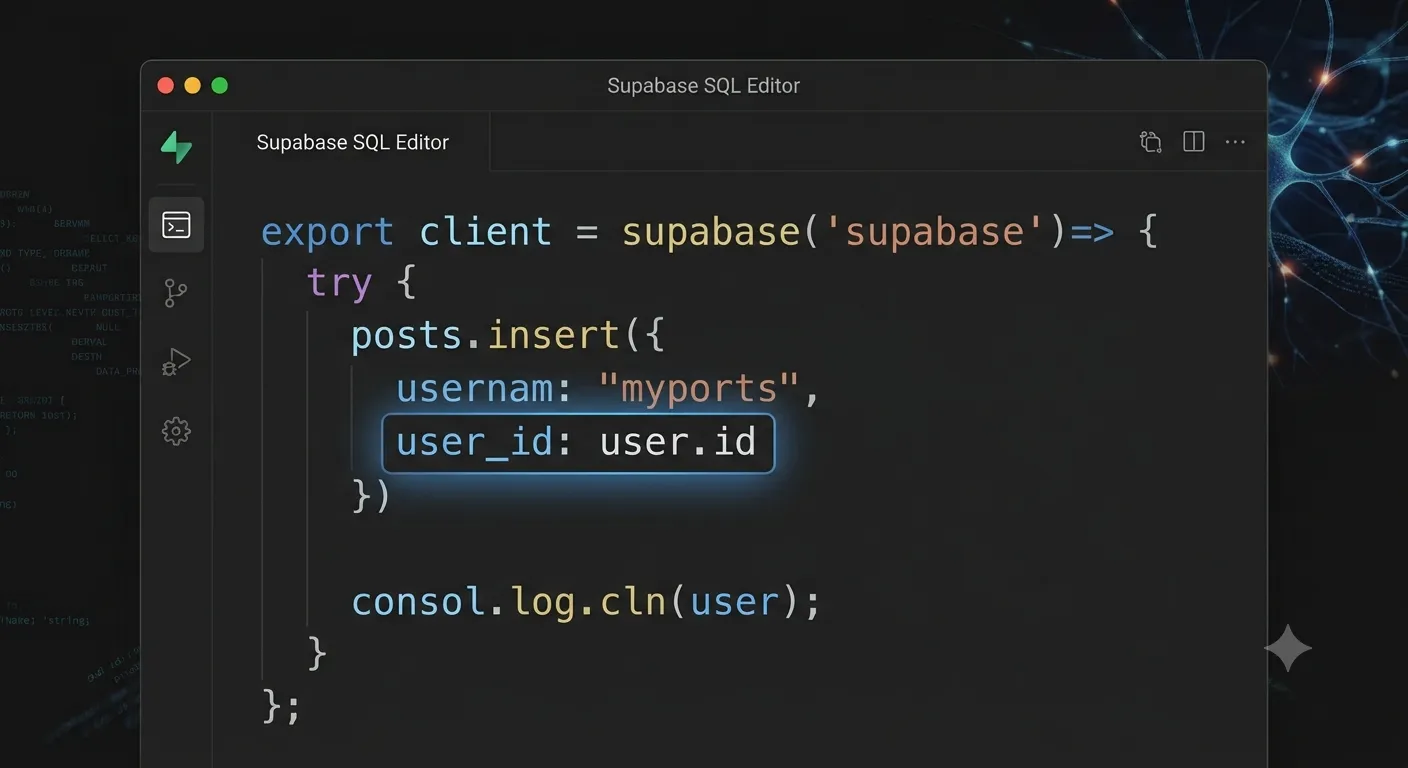
const { data: { user } } = await supabase.auth.getUser();
await supabase.from('posts').insert({
  title: 'Hello',
  user_id: user.id, // must match auth.uid()
});
A safer option is to set it in the database, so the client can't get it wrong:
alter table posts
alter column user_id set default auth.uid();
Then insert without user_id at all, and the default fills it in from the logged-in user's token.
4. Confirm the request is authenticated
If auth.uid() is null, the request reached Supabase without a valid session and ran as the anon role. Common reasons:
- The user isn't logged in, or the session expired. See fixing "JWT expired" in Supabase.
- In Next.js, a server component or server action created a client that can't read the auth cookies. Use the
@supabase/ssrserver client, as shown in our guide on connecting Supabase to Next.js. - The session disappears after a page refresh. See Supabase session missing after refresh.
Note that your policy says to authenticated. Requests from logged-out visitors run as anon and will never match it, which is exactly what you want for private data.
5. Fix storage uploads
The same error appears when uploading files to Supabase Storage, because files are rows in the storage.objects table. A common setup lets each user upload into a folder named after their user id:
create policy "Users can upload to their own folder"
on storage.objects for insert
to authenticated
with check (
  bucket_id = 'avatars'
  and (storage.foldername(name))[1] = (select auth.uid())::text
);
Upload to a path like ${user.id}/avatar.png. If you pass upsert: true to replace an existing file, also add SELECT and UPDATE policies on storage.objects with the same conditions.
6. Test as a real user, not in the SQL editor
The Supabase SQL editor runs as the postgres role, which bypasses RLS. Your insert "works" there while real users still fail. You can simulate a logged-in user inside a transaction instead:
begin;
set local role authenticated;
set local request.jwt.claims = '{"sub": "PASTE-A-USER-UUID", "role": "authenticated"}';
insert into posts (title, user_id)
values ('test', 'PASTE-A-USER-UUID');
rollback;
If this fails with the same error, the policy is the problem. If it passes, the problem is in your app: the session or the values you send.
What About the Service Role Key?
The service_role (or new sb_secret_...) key bypasses RLS completely, so the error disappears if you use it. That's only acceptable in trusted server code such as cron jobs, webhooks and admin tasks. Never put it in the browser or in a NEXT_PUBLIC_ variable. Using it to silence this error in client code gives every visitor full access to your database.
How to Prevent It
- Add policies in the same migration where you enable RLS.
- Default
user_idtoauth.uid()at the database level. - Write separate, explicit policies for SELECT, INSERT, UPDATE and DELETE.
- Check the Advisors → Security page in the Supabase dashboard for tables with RLS disabled or missing policies.
- Test as a real user before every release.
Apps generated with Lovable, Bolt or Replit often ship with RLS turned off or with policies that are too loose. Our free App Checker looks for exposed keys and other common problems.
Frequently Asked Questions
Why does the insert work in the SQL editor but fail from my app?The SQL editor runs as the postgres role and bypasses RLS. Your app uses the anon or authenticated role, which RLS enforces, so a missing or failing policy blocks the write.
Do I need a SELECT policy as well as an INSERT policy?If you return the inserted row with .select(), yes. Postgres has to read the new row back, and without a SELECT policy it raises the same error even when the INSERT policy passes.
An upsert may update an existing row, so Postgres checks INSERT, UPDATE and SELECT policies. Add UPDATE and SELECT policies for the same rows.
What is the difference between USING and WITH CHECK?USING filters which existing rows a query can see or change. WITH CHECK validates the values of new or updated rows. INSERT uses WITH CHECK; UPDATE uses both.
Why do I get this error when uploading to Supabase Storage?Storage files are rows in the storage.objects table, which has RLS enabled. Add an INSERT policy on storage.objects for your bucket, and SELECT and UPDATE policies if you upload with upsert.
Can I disable RLS to fix this quickly?Only for local debugging. In production, a table with RLS disabled can be read and changed by anyone with your public API key.
Need Supabase Set Up Properly?
RLS errors are usually a sign the data layer needs a careful review. At Amex Technology, we design Supabase schemas, policies and auth flows for web apps and SaaS products, and we fix broken ones within 24 hours through our bug fix service. See our portfolio or get in touch.
Fixed it? Check the rest of your Supabase app for free. Our App Checker scans for exposed API keys, public Supabase service keys, SEO problems and slow loading in about 30 seconds.
Related Services
Bug Fix Service
Still stuck? We'll fix your Supabase error for you.
Skip the hours of trial and error. Send us the error and access to your project, and a senior developer will get it working, usually within 24 hours. We'll review it for free before any work starts.
- Your bug or error fixed by a senior developer
- Most fixes delivered within 24 hours
- Short write-up of the root cause and what changed
- Free assessment before any work starts