No time to debug this Supabase issue? Tell us what's broken and our developers will get it working, usually within 24 hours.
The Problem
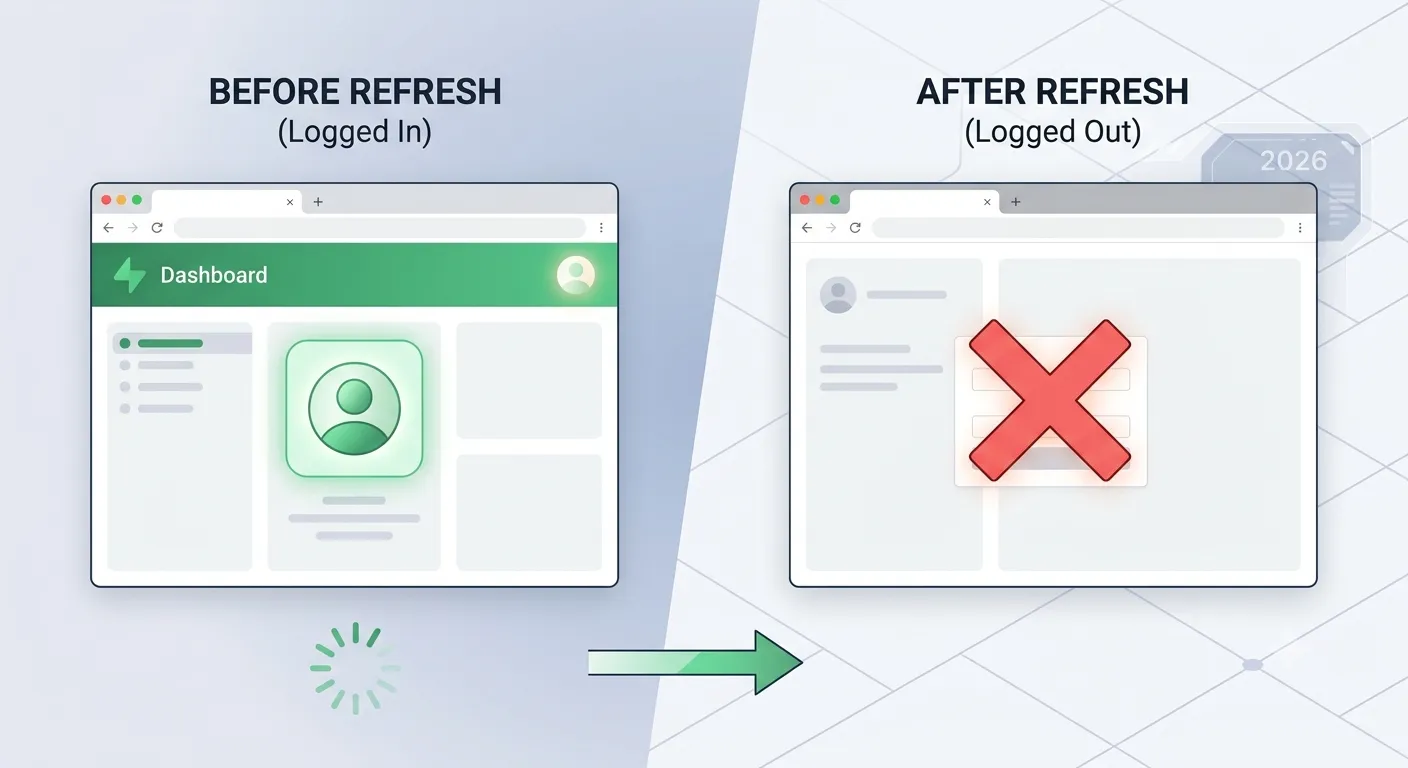
If a Supabase session goes missing after a page refresh - the user appears logged out even though they just signed in - the root cause is almost always a mismatch between where the session is stored and where it's being read from. This is especially common in Next.js apps that mix client-side and server-side rendering.
Why It Happens
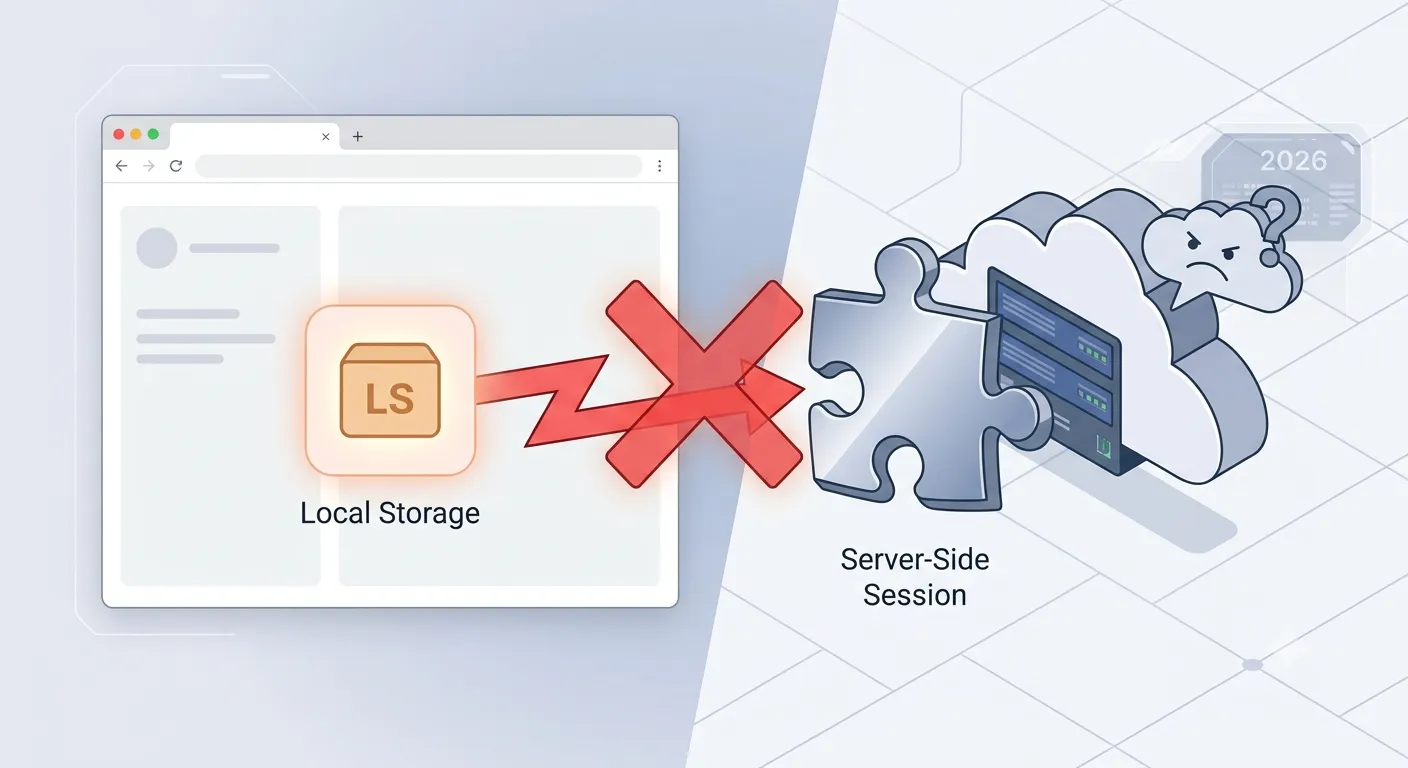
- Session stored only in
localStorage- the default Supabase JS client keeps the session in the browser's local storage, which server components and middleware can't read. - Not using
@supabase/ssr- the older@supabase/auth-helpers-nextjsor a manually configured client often fails to sync cookies between server and client in the App Router. - No middleware refreshing the session - without middleware, expired access tokens never get refreshed, so the session silently disappears.
persistSessiondisabled - if this option is turned off, the session is never saved between page loads.- Cookies not being set or read correctly - misconfigured cookie options (domain, path,
sameSite) can prevent the session cookie from surviving a refresh.
The Fix
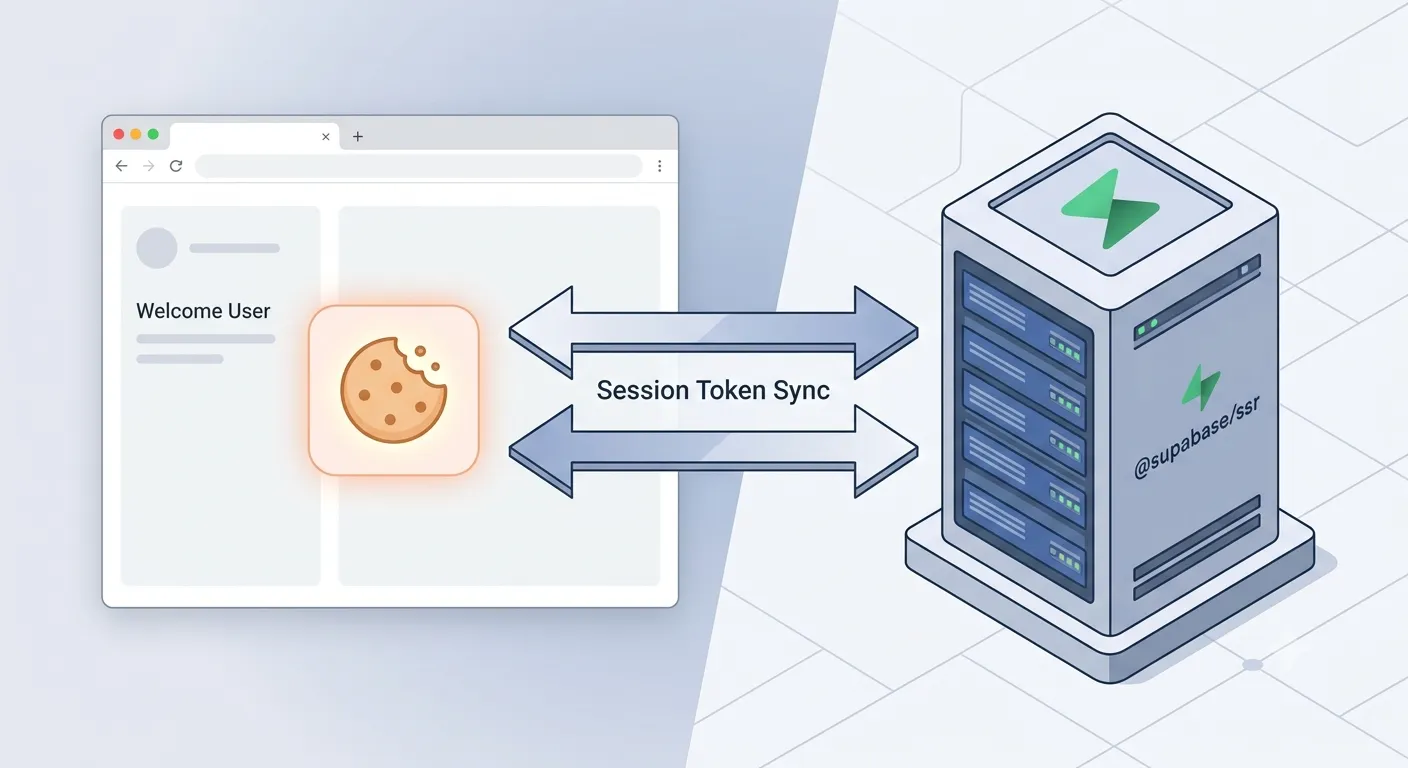
1. Use @supabase/ssr instead of localStorage-only clients
The @supabase/ssr package stores the session in cookies, so both the browser and the server can read it. Install it alongside @supabase/supabase-js:
npm install @supabase/ssr @supabase/supabase-js
Create a browser client for Client Components:
// utils/supabase/client.ts
import { createBrowserClient } from '@supabase/ssr';
export function createClient() {
  return createBrowserClient(
    process.env.NEXT_PUBLIC_SUPABASE_URL!,
    process.env.NEXT_PUBLIC_SUPABASE_ANON_KEY!
  );
}
And a server client for Server Components and Route Handlers:
// utils/supabase/server.ts
import { createServerClient } from '@supabase/ssr';
import { cookies } from 'next/headers';
export async function createClient() {
  const cookieStore = await cookies();
  return createServerClient(
    process.env.NEXT_PUBLIC_SUPABASE_URL!,
    process.env.NEXT_PUBLIC_SUPABASE_ANON_KEY!,
    {
      cookies: {
        getAll() {
          return cookieStore.getAll();
        },
        setAll(cookiesToSet) {
          cookiesToSet.forEach(({ name, value, options }) =>
            cookieStore.set(name, value, options)
          );
        },
      },
    }
  );
}
2. Add middleware to refresh the session
Without middleware, an expired access token is never refreshed, so the session appears missing after a refresh once the token expires. Add a middleware.ts file at your project root:
// middleware.ts
import { createServerClient } from '@supabase/ssr';
import { NextResponse, type NextRequest } from 'next/server';
export async function middleware(request: NextRequest) {
  let response = NextResponse.next({ request });
  const supabase = createServerClient(
    process.env.NEXT_PUBLIC_SUPABASE_URL!,
    process.env.NEXT_PUBLIC_SUPABASE_ANON_KEY!,
    {
      cookies: {
        getAll() {
          return request.cookies.getAll();
        },
        setAll(cookiesToSet) {
          cookiesToSet.forEach(({ name, value }) =>
            request.cookies.set(name, value)
          );
          response = NextResponse.next({ request });
          cookiesToSet.forEach(({ name, value, options }) =>
            response.cookies.set(name, value, options)
          );
        },
      },
    }
  );
  await supabase.auth.getUser();
  return response;
}
export const config = {
  matcher: ['/((?!_next/static|_next/image|favicon.ico).*)'],
};
This runs on every request, checks the session cookie, and refreshes it automatically before it expires.
3. Confirm persistSession is enabled
If you're configuring the client manually, make sure session persistence is not disabled:
const supabase = createBrowserClient(url, anonKey, {
  auth: {
    persistSession: true,
    autoRefreshToken: true,
  },
});
4. Always call getUser(), not getSession(), on the server
On the server, getSession() reads the cookie without validating it, which can return a stale or tampered session. Use getUser() in Server Components and middleware - it revalidates the token against Supabase's Auth server on every call.
Pairing this with our guide on how to connect Next.js and React with Supabase will give you a full, correctly wired auth setup from the start.
How to Prevent It
- Standardize on
@supabase/ssrfor any Next.js project using the App Router - never mix it with a plainlocalStorage-based client. - Always add the middleware step, even if your app feels "simple" today.
- Use
getUser()server-side andgetSession()only for quick client-side checks. - Double-check cookie settings if you're deploying behind a custom domain or subdomain.
Frequently Asked Questions
Why does my Supabase session disappear only after a refresh, not on the initial load?On the initial load, the client that logged the user in still has the session in memory. On refresh, that memory is cleared, and if the session was only stored in localStorage (not cookies), server-rendered pages can't see it, which looks like a missing session.
It's still strongly recommended. Without it, expired tokens won't refresh automatically, and users will eventually get logged out mid-session even in a client-only app.
What's the difference betweengetSession() and getUser()?
getSession() reads the session from cookies without verifying it against Supabase, which is fast but not fully trustworthy on the server. getUser() makes a network call to validate the token, making it safe for authorization checks.
Is @supabase/auth-helpers-nextjs deprecated?
Yes, it has been superseded by @supabase/ssr, which is the officially recommended package for Next.js and other SSR frameworks going forward.
Need Help?
Auth and session handling is one of the most common places Next.js and Supabase projects go wrong. Explore our development services or get in touch if you'd like a second pair of eyes on your setup.
Fixed it? Check the rest of your Supabase app for free. Our App Checker scans for exposed API keys, public Supabase service keys, SEO problems and slow loading in about 30 seconds.
Related Services
Bug Fix Service
Still stuck? We'll fix your Supabase error for you.
Skip the hours of trial and error. Send us the error and access to your project, and a senior developer will get it working, usually within 24 hours. We'll review it for free before any work starts.
- Your bug or error fixed by a senior developer
- Most fixes delivered within 24 hours
- Short write-up of the root cause and what changed
- Free assessment before any work starts